Lab: Excessive trust in client-side controls
This lab doesn't adequately validate user input. You can exploit a logic flaw in its purchasing workflow to buy items for an unintended price. To solve the lab, buy a "Lightweight l33t leather jacket".
You can log in to your own account using the following credentials: wiener:peter
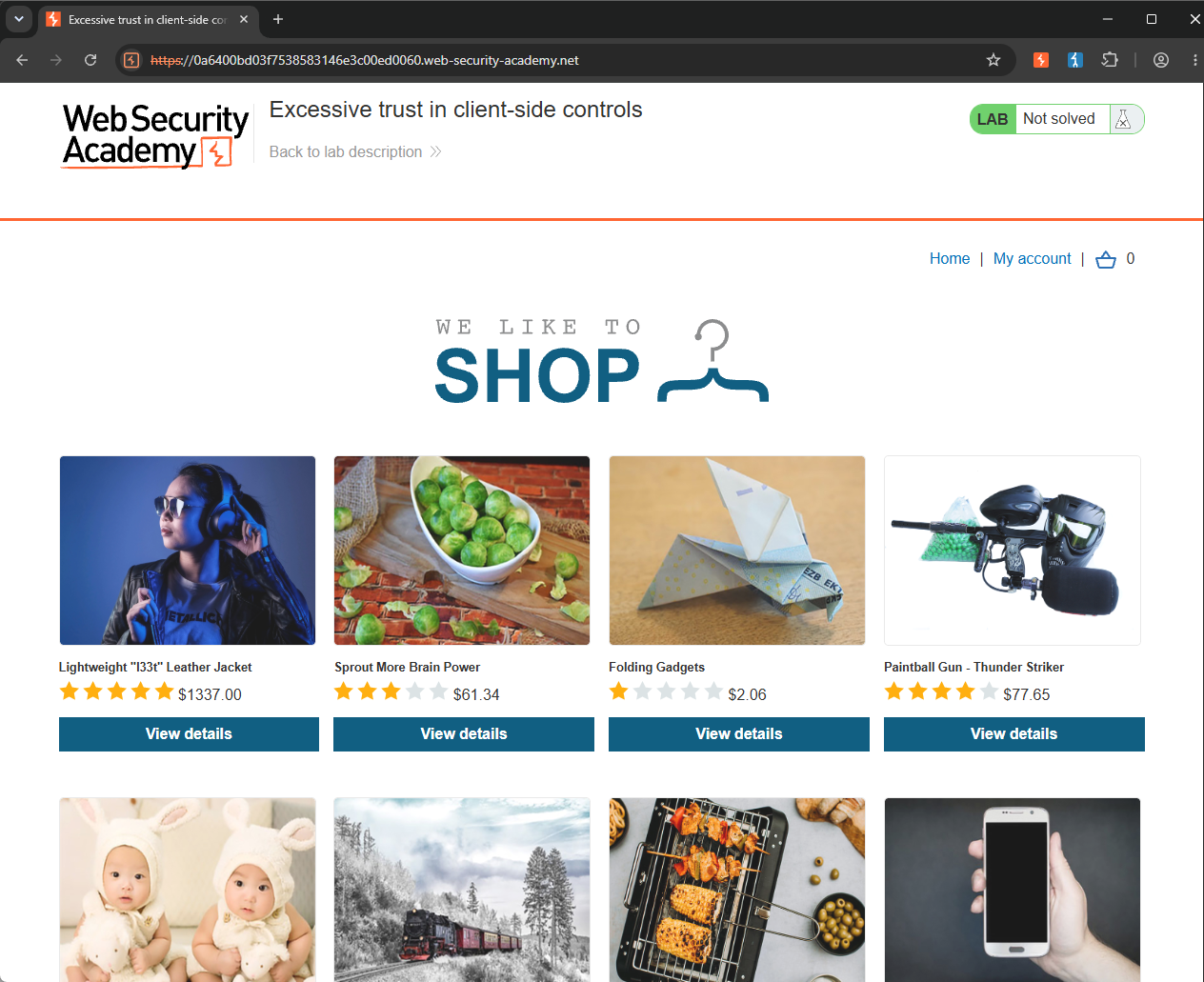
As with every lab, the first step is to understand the application's workflow. Once I understand how the application functions, it becomes much easier to identify where vulnerabilities might exist. On the main page, I found the Lightweight "l33t" Leather Jacket that the lab instructed me to purchase.
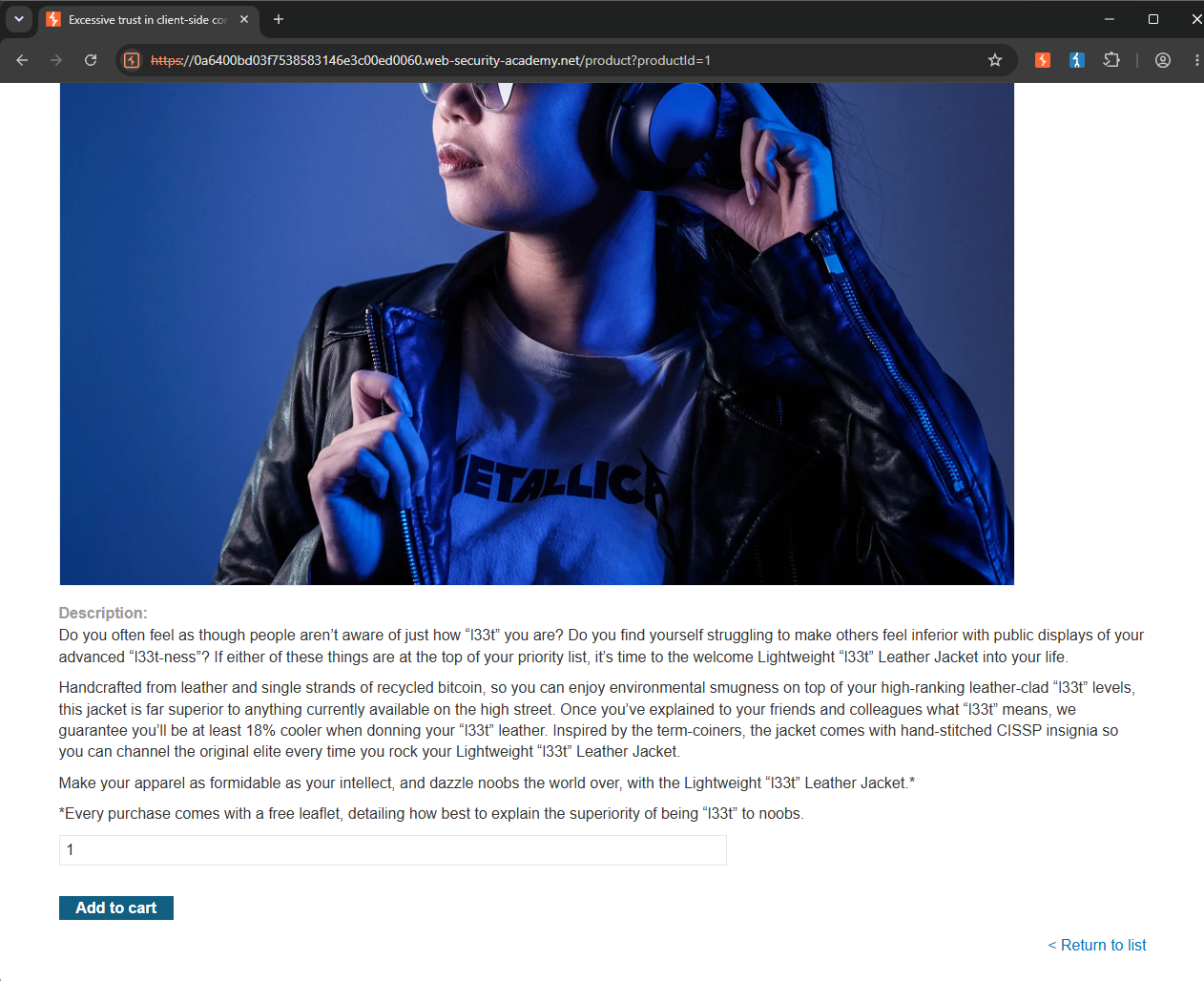
I clicked on the item and pressed the "Add to cart" button.
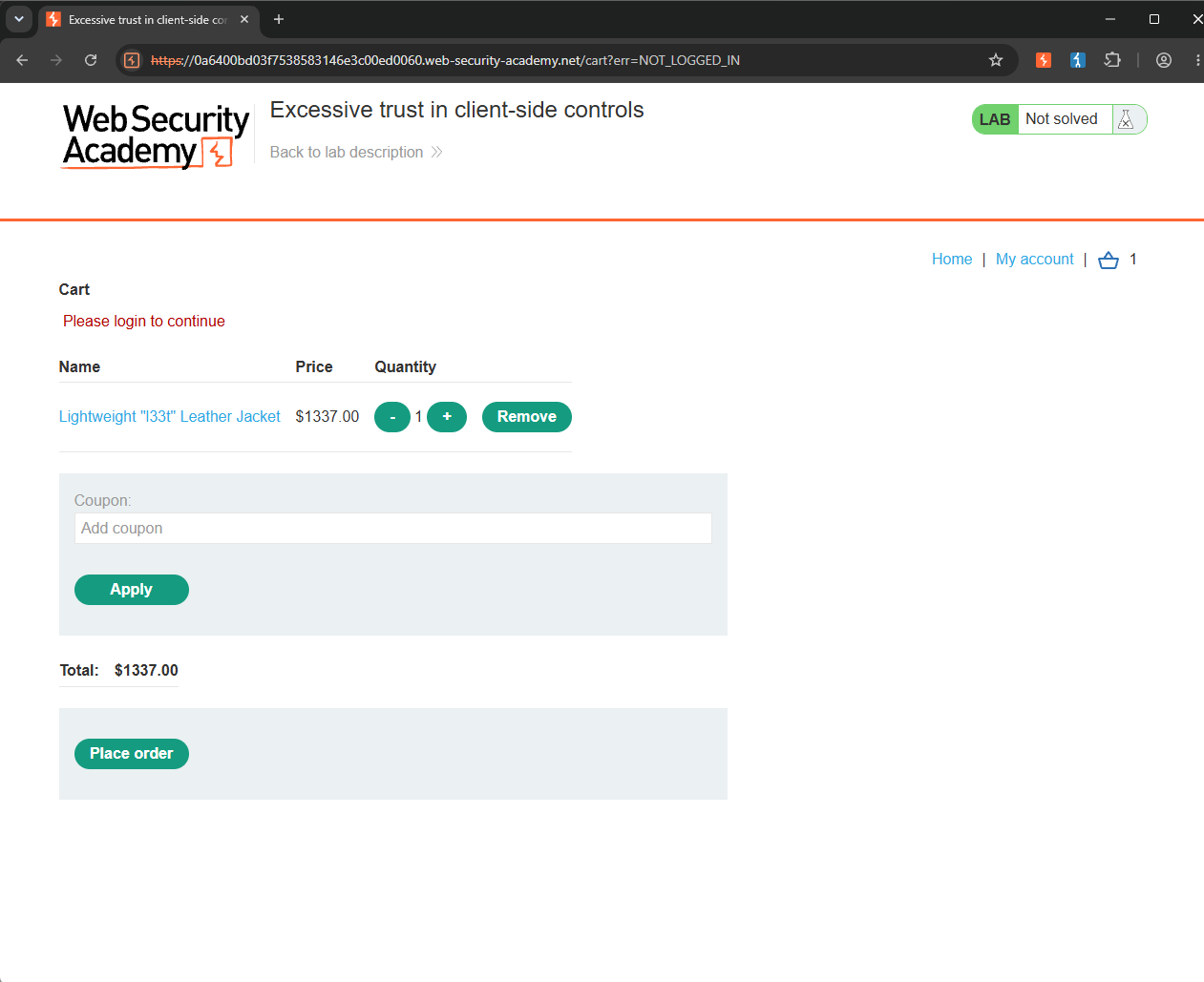
A badge showing 1 appeared on the cart icon, indicating that the item had been added successfully. After opening the cart, I confirmed that the jacket was there. I then clicked the "Place order" button, but the application responded with "Please login to continue".
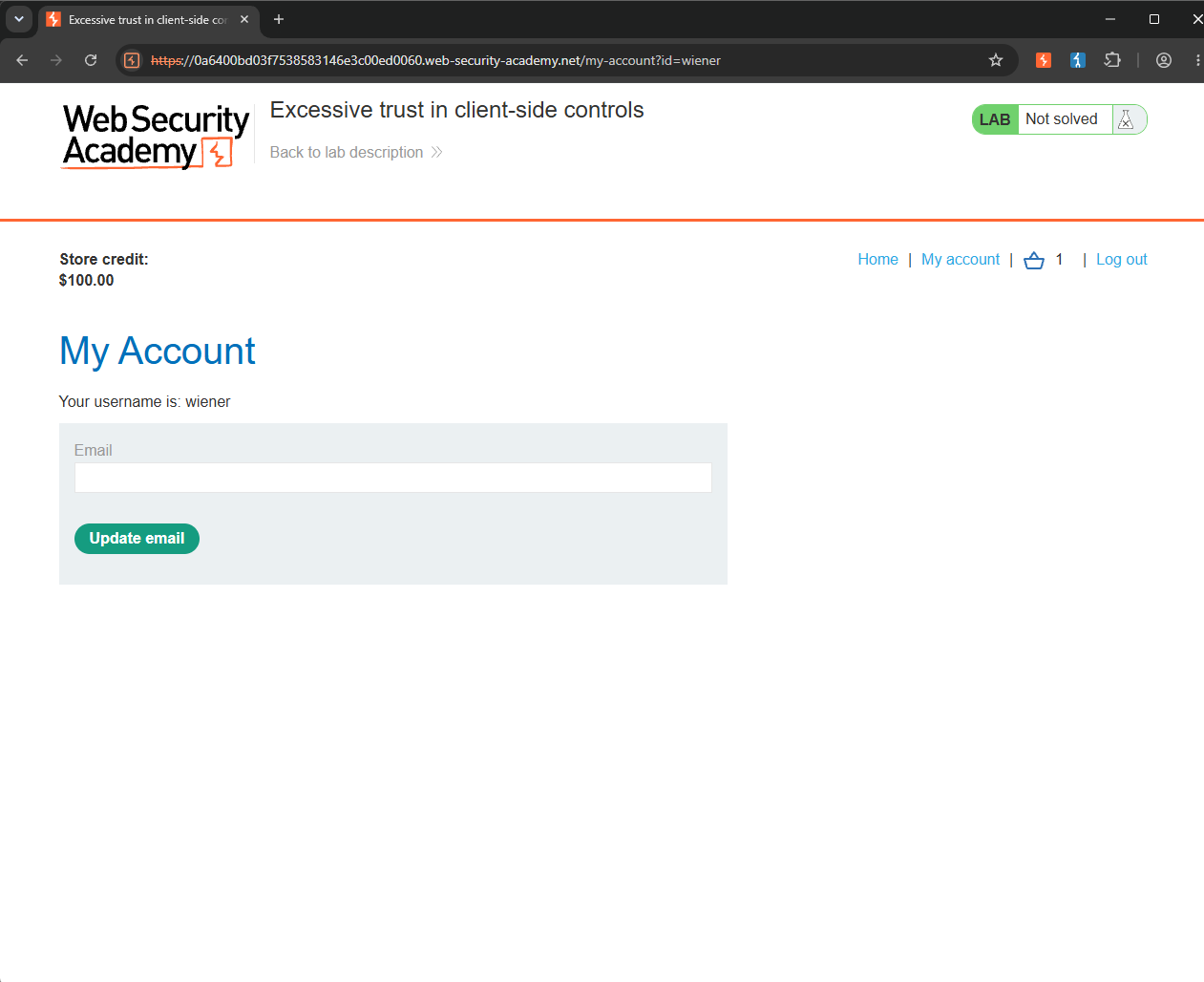
I logged in using the credentials provided by the lab, wiener:peter. After logging in, I noticed that the account had $100 in store credit.
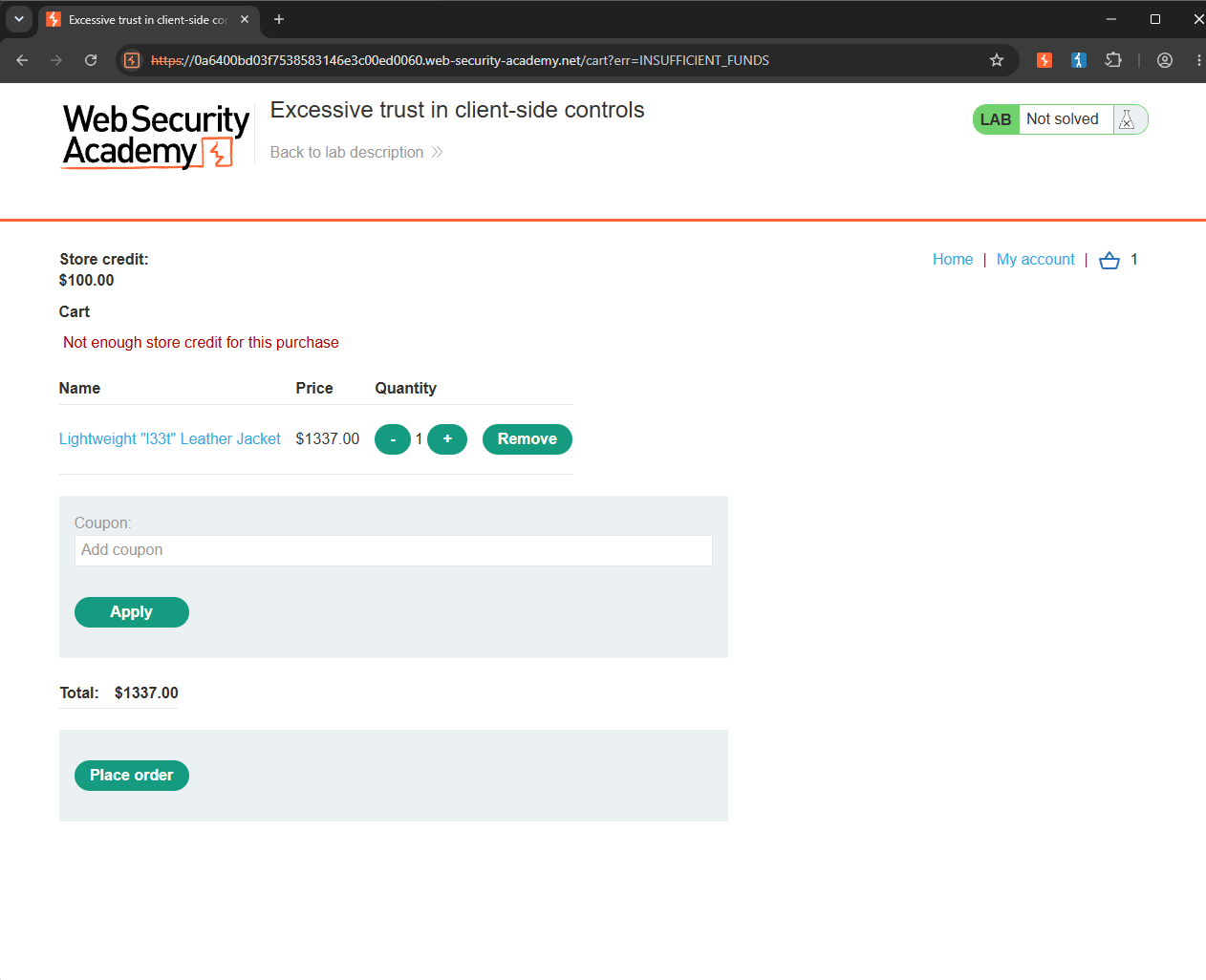
I returned to the cart and clicked Place order again. This time, the application returned "Not enough store credit for this purchase".
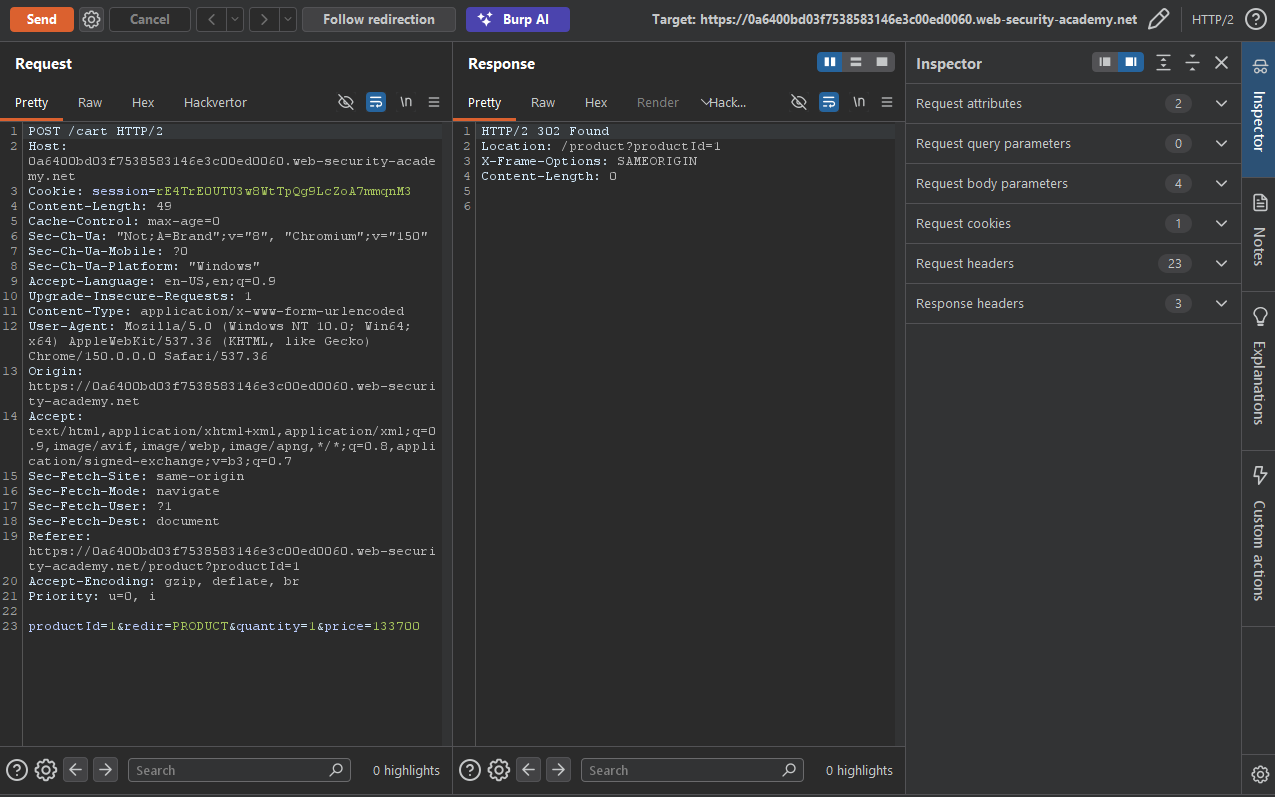
Now that I understood the purchasing workflow, it was time to inspect the HTTP requests in Burp Suite and look for potential vulnerabilities. I started by examining the POST request sent to the /cart endpoint. One parameter immediately caught my attention: price. Its value was set to 133700, which made me wonder whether modifying this parameter would change the product's price.
I changed the value of the price parameter to 99 and re-sent the request.
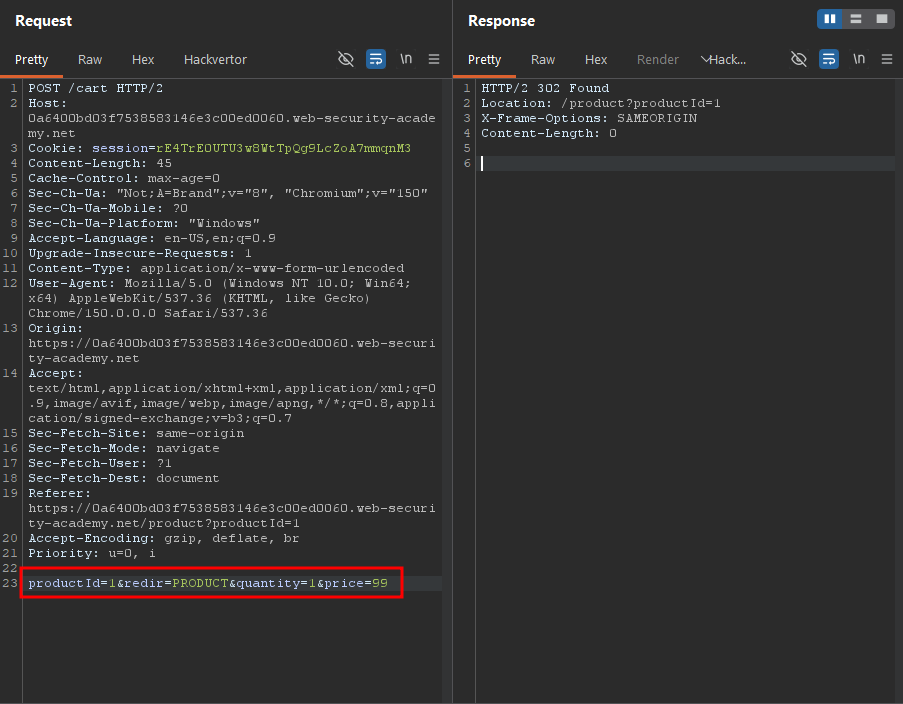
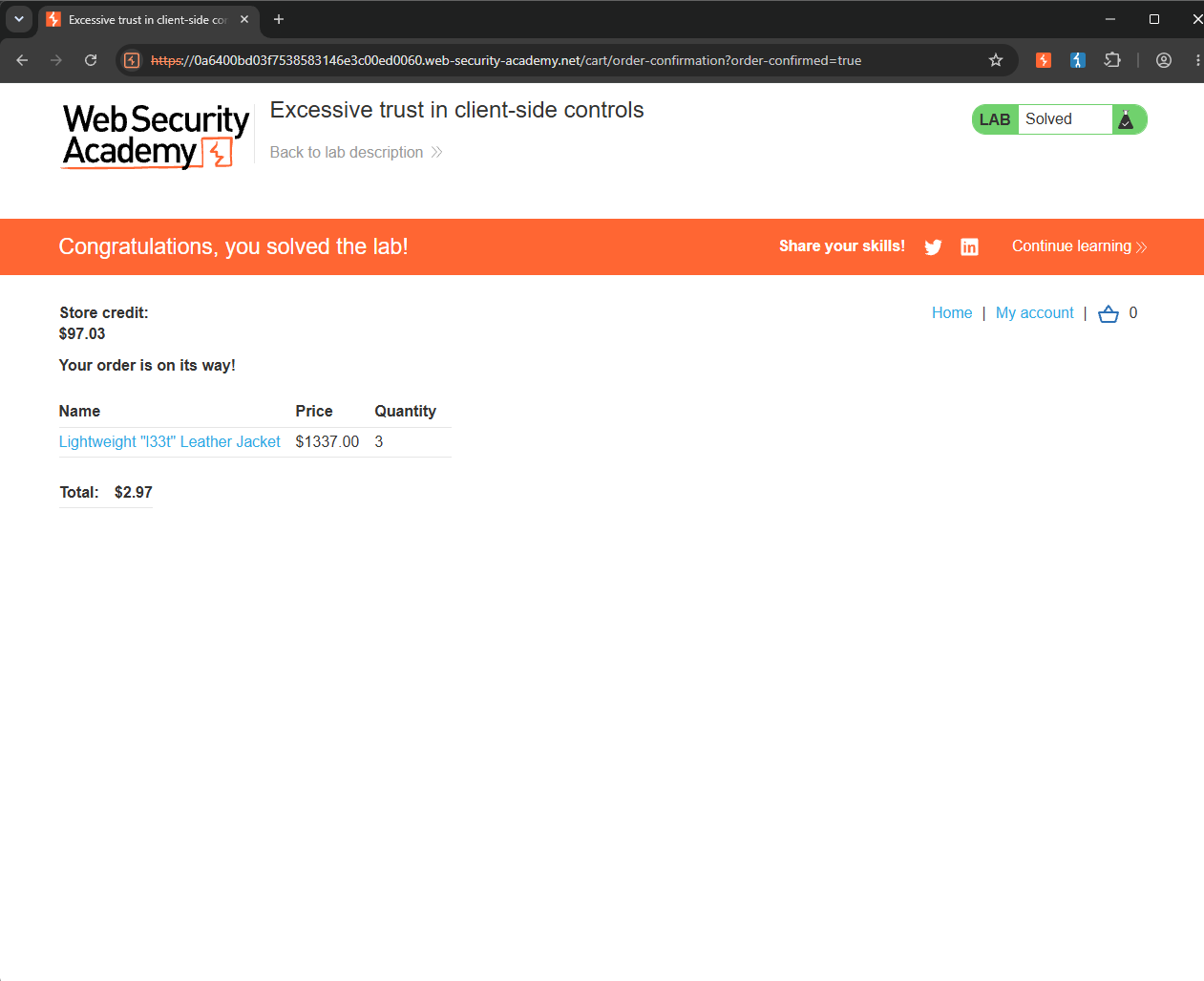
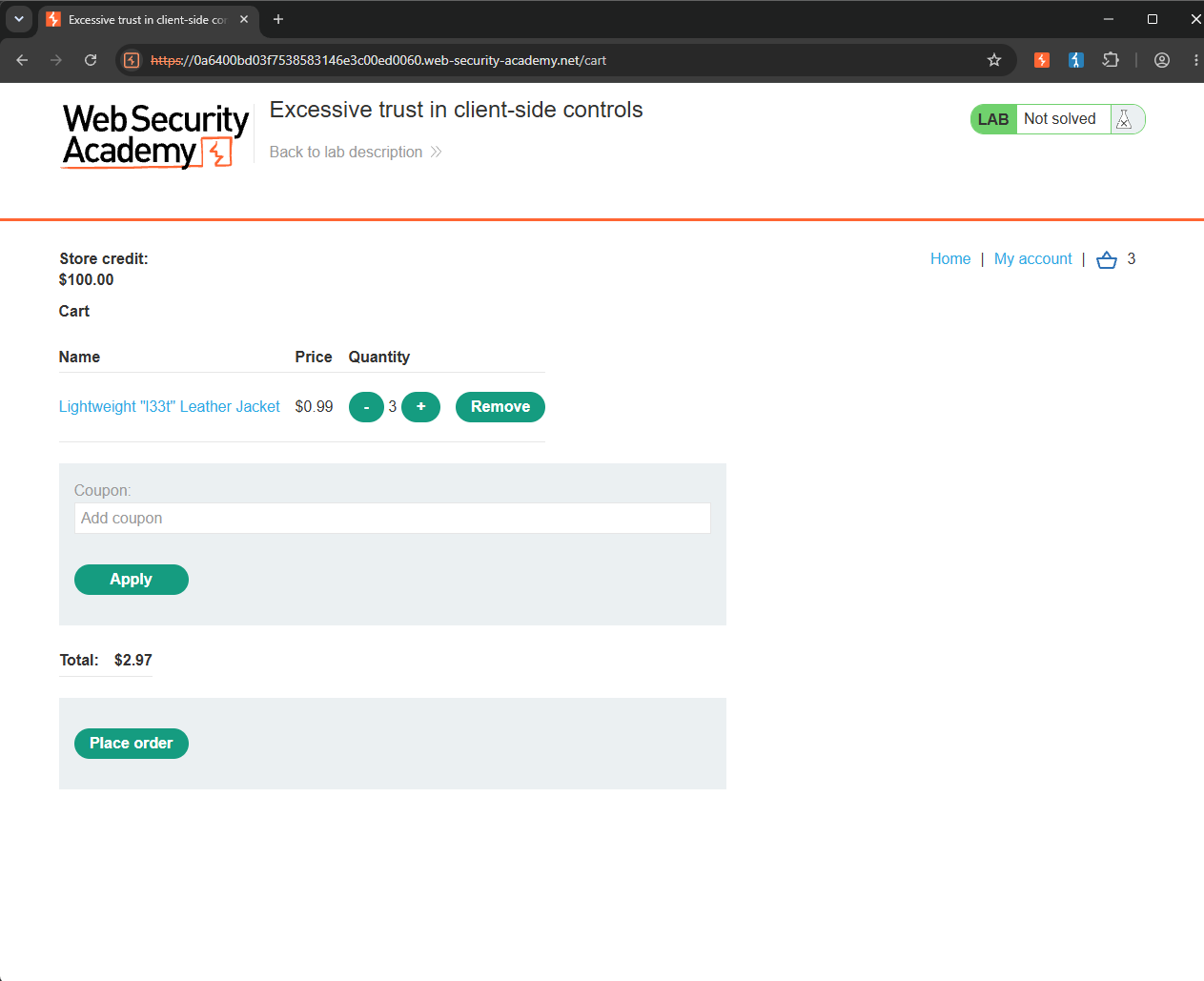
Sure enough, when I returned to the application, the price of the jacket in my cart had been updated to $0.99. Even purchasing three jackets only cost $2.97, which was well within my $100 store credit, allowing me to complete the purchase successfully.
Solved!